Dream Afar + Trello: Visual Project Management with Focused Execution
Combine Dream Afar's new tab focus with Trello's visual project boards. Learn workflows to manage projects, execute daily tasks, and maintain team visibility.
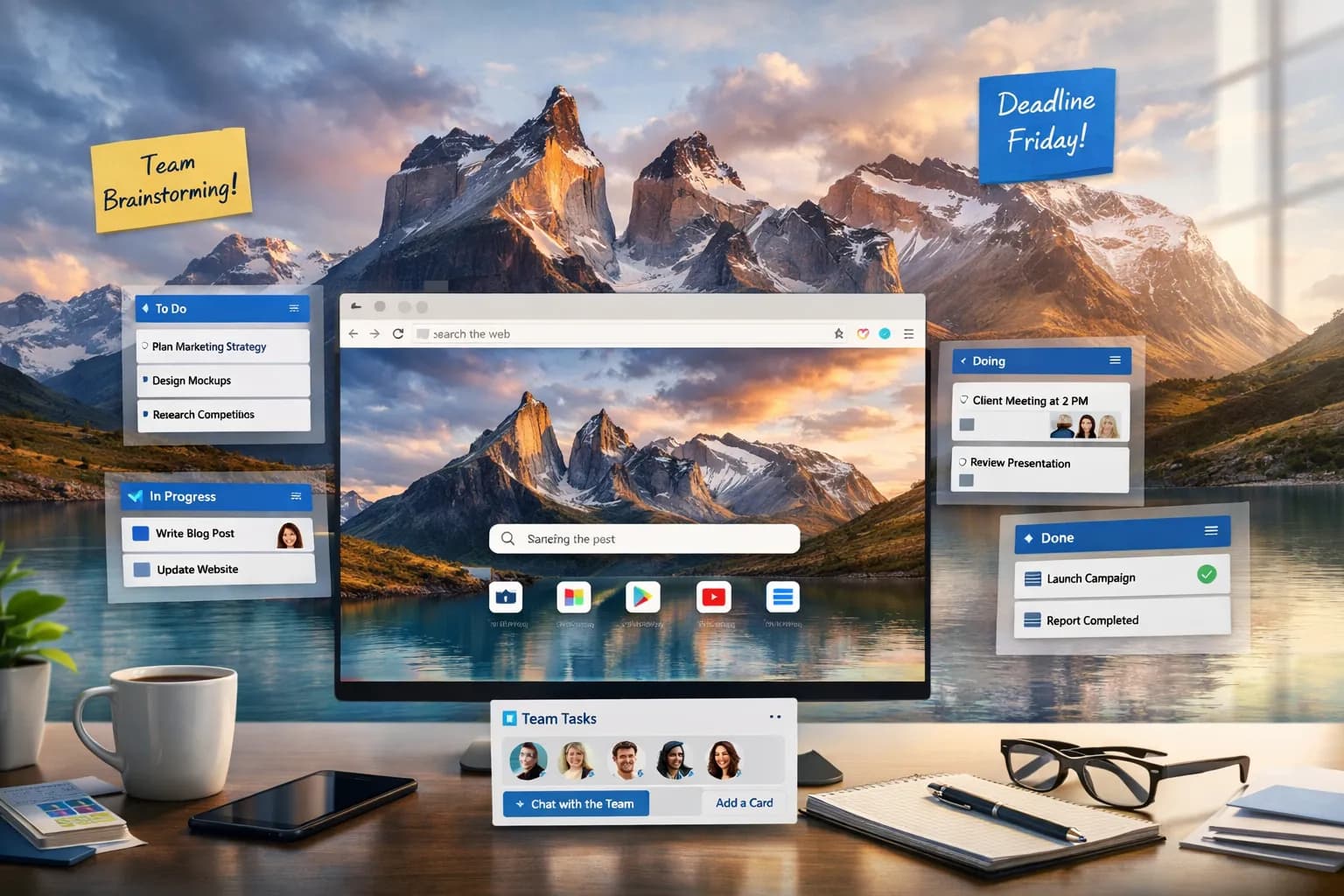
Trello is excellent for visualizing projects and collaborating with teams. But boards can become overwhelming, and constant checking becomes a distraction. Dream Afar helps you extract daily focus from Trello while protecting your productive time.
This guide shows you how to combine Dream Afar with Trello for project management that's both comprehensive and focused.
Why Dream Afar + Trello
Trello's Strengths
- Visual project overview
- Team collaboration
- Flexible workflow management
- Clear project progress
Trello's Challenges
- Easy to spend too much time organizing
- Boards become cluttered
- Constant checking for updates
- Visual overwhelm with many cards
Dream Afar's Solution
- Daily focus extracted from Trello
- Priority visibility on every new tab
- Distraction blocking during work
- Quick capture for ideas
Setting Up the Integration
Step 1: Optimize Your Trello Setup
Before connecting with Dream Afar, ensure Trello is organized:
Standard board columns:
| Column | Purpose |
|---|---|
| Backlog | All future work |
| This Week | Weekly priorities |
| Today | Today's focus |
| In Progress | Currently working |
| Done | Completed |
Key principle: The "Today" column drives Dream Afar content.
Step 2: Configure Dream Afar
- Install Dream Afar
- Enable todo widget
- Enable notes widget for quick capture
- Set up focus mode
Step 3: Create the Sync Ritual
Morning sync (5 minutes):
- Open Trello → View "Today" column
- Copy 3-5 cards to Dream Afar todos
- Close Trello
- Work from Dream Afar
Evening sync (5 minutes):
- Review Dream Afar completions
- Update Trello cards (move to Done)
- Add any captured notes as new cards
- Set tomorrow's "Today" column
The Daily Workflow
Morning: Extract Daily Focus
8:00 AM:
- Open new tab → Dream Afar with yesterday's todos
- Clear completed items
- Open Trello briefly
- Check "Today" column for any changes
- Update Dream Afar todos to match:
[ ] Design homepage mockup [Project X] [ ] Review PR for auth feature [Project Y] [ ] Write documentation section [Project X] [ ] Team sync at 2pm - Close Trello — work from Dream Afar now
During Work: Focus Mode
9:00 AM - 5:00 PM:
- Every new tab shows Dream Afar priorities
- Trello is closed
- Block trello.com in focus mode if tempting
- Work through todo list systematically
When new tasks appear:
- Capture in Dream Afar notes
- Continue current work
- Process to Trello later
Afternoon: Quick Sync
3:00 PM (optional):
If your team updates Trello frequently:
- Quick Trello check (2 minutes)
- Any urgent new cards?
- Add to Dream Afar if needed
- Close Trello, continue work
Evening: Update and Plan
5:30 PM:
- Open Trello
- Move completed cards to Done
- Review team updates
- Add Dream Afar captures as new cards
- Set tomorrow's "Today" column
- Clear Dream Afar, add tomorrow's priorities
Advanced Trello Strategies
Strategy 1: The Focus Card
Create a special Trello card:
Title: "TODAY'S FOCUS" Description:
What I'm working on RIGHT NOW.
Check Dream Afar for full daily list.
Pin at top of "Today" column.
Benefits:
- Team knows your priority
- You articulate your focus
- Accountability to commit publicly
Strategy 2: Label-Based Priority
Use Trello labels strategically:
| Label Color | Meaning | Dream Afar Action |
|---|---|---|
| Red | Critical today | Always add |
| Orange | Important | Add if space |
| Yellow | Should do | Add if quick |
| Green | Nice to have | Rarely add |
Morning routine:
- Add all Red labels first
- Then Orange as space allows
- Maximum 5 items in Dream Afar
Strategy 3: The Daily Card Template
Create a Trello template card:
## Today's Goals (copy to Dream Afar)
1.
2.
3.

## Notes (add to Dream Afar notes)
-

## Completed
-
Each morning:
- Create card from template
- Fill in goals
- Copy to Dream Afar
- Update throughout day
Team Collaboration
Staying Visible to Your Team
The challenge: Working from Dream Afar means you're not in Trello
Solutions:
Option 1: Status Card Keep a "Status" card in "In Progress" updated:
Currently focused on: [task]
Next available: [time]
Checking Trello: Morning and evening
Option 2: Daily Update Comment Comment on your main cards:
[Date] Focus: Working on X. Dream Afar focus mode until 5pm.
Option 3: Team Norm Establish that team members work from their own systems (Dream Afar, etc.) and sync twice daily.
When Team Needs You Urgently
Set expectations:
- Trello is async (not for urgent)
- Urgent = Slack/text/call
- Check Trello at defined times only
Dream Afar enables:
- Deep focus during work blocks
- Responsive during sync times
- Clear about availability
Project-Specific Workflows
For Product Development
Trello structure:
- Backlog → This Sprint → In Dev → In Review → Done
Dream Afar role:
- Today's development tasks
- Current sprint items
- Quick capture for bugs/ideas
Workflow:
- Sprint planning → Fill Trello sprint column
- Daily → Extract today's tasks to Dream Afar
- Focus mode during coding
- Evening → Update Trello, capture blockers
For Marketing Teams
Trello structure:
- Ideas → Planning → In Progress → Review → Published
Dream Afar role:
- Today's content to create/review
- Campaign tasks
- Quick capture for content ideas
Workflow:
- Weekly planning → Set Trello cards
- Daily → Extract content tasks to Dream Afar
- Focus mode during writing
- Evening → Move completed cards
For Client Projects
Trello structure:
- Per-client boards or columns
- Backlog → This Week → Today → Client Review → Done
Dream Afar role:
- Today's client deliverables
- Priority clients' tasks
- Quick capture for client notes
Workflow:
- Weekly → Prioritize across clients
- Daily → Today's client tasks to Dream Afar
- Focus mode during client work
- Evening → Update client boards
Handling Trello Overwhelm
Too Many Cards
Problem: Hundreds of cards, can't see priority
Solution with Dream Afar:
- Trello holds everything
- Dream Afar shows only TODAY
- Maximum 5 cards in Dream Afar
- Clear separation: Trello = backlog, Dream Afar = focus
Too Many Boards
Problem: Multiple projects, multiple boards
Solution:
- Morning: Scan each board's "Today" column
- Compile all priorities in Dream Afar
- Single todo list across projects
- Project labels in todos:
[ ] [Client A] Review proposal
[ ] [Project X] Fix login bug
[ ] [Personal] Update portfolio
Constant Trello Checking
Problem: Checking for updates too often
Solution:
- Add trello.com to focus mode blocklist
- Define check times: Morning, evening
- Trust Dream Afar for daily execution
- For truly urgent: team uses other channels
Integration Tips
For Trello Power-Ups
If you use:
- Calendar Power-Up: Still extract to Dream Afar for daily focus
- Card Aging: Use to identify stale items to deprioritize
- Custom Fields: Can help with priority extraction
For Trello + Other Tools
Trello + Slack:
- Notifications go to Slack
- Check Slack notifications in communication windows
- Dream Afar focus blocks protect from both
Trello + Calendar:
- Due dates sync to calendar
- Morning: Check calendar + Trello together
- Extract to Dream Afar, close both
Weekly Review Process
Sunday Planning (30 minutes)
In Trello:
- Review all boards
- Move completed cards to Done
- Prioritize "This Week" columns
- Identify top priorities for Monday
In Dream Afar:
- Clear old todos
- Set Monday's priorities
- Note week's big goals
Daily Rhythm (10 minutes total)
Morning (5 min):
- Extract "Today" to Dream Afar
- Verify priorities
Evening (5 min):
- Update Trello cards
- Prep tomorrow's "Today"
Monthly Cleanup
In Trello:
- Archive completed cards
- Review backlog relevance
- Consolidate or close old boards
Troubleshooting
"Trello and Dream Afar get out of sync"
Solution:
- Accept they serve different purposes
- Trello = project truth
- Dream Afar = daily focus
- Sync twice daily, not more
"Team expects me to be in Trello all day"
Solution:
- Communicate focus schedule
- Set Trello check times
- Demonstrate increased output
- Team adapts to results
"I forget to update Trello"
Solution:
- Add "Update Trello" to evening Dream Afar todo
- Make it a ritual, not optional
- 5 minutes max — efficiency not perfection
"Too many urgent Trello notifications"
Solution:
- Reduce Trello notification settings
- Set expectation: Trello is async
- Urgent = different channel
- Check at defined times only
Conclusion
Trello is a powerful project management system. Dream Afar makes it executable.
Trello's role:
- All project cards
- Team collaboration
- Full project visibility
- Long-term planning
Dream Afar's role:
- Today's priorities only
- Focus during execution
- Quick idea capture
- Constant priority reminder
The system:
- Morning: Extract from Trello to Dream Afar
- During day: Work from Dream Afar, ignore Trello
- Evening: Sync back to Trello
This separation prevents Trello from becoming a distraction while keeping it effective for project management. You get the visual organization of Trello and the daily focus of Dream Afar.
Related Articles
- Dream Afar + Notion: The Ultimate Productivity Workflow
- Dream Afar + Todoist: Master Task Management
- The Complete Guide to Browser-Based Productivity
- How to Block Distracting Websites in Chrome
Ready to focus your Trello projects? Install Dream Afar free →
Try Dream Afar Today
Transform your new tab into a beautiful, productive dashboard with stunning wallpapers and customizable widgets.