The Complete Guide to Browser-Based Productivity (2025)
Master browser productivity with proven techniques. From website blocking to Pomodoro, deep work setups to digital minimalism — everything you need to focus better.
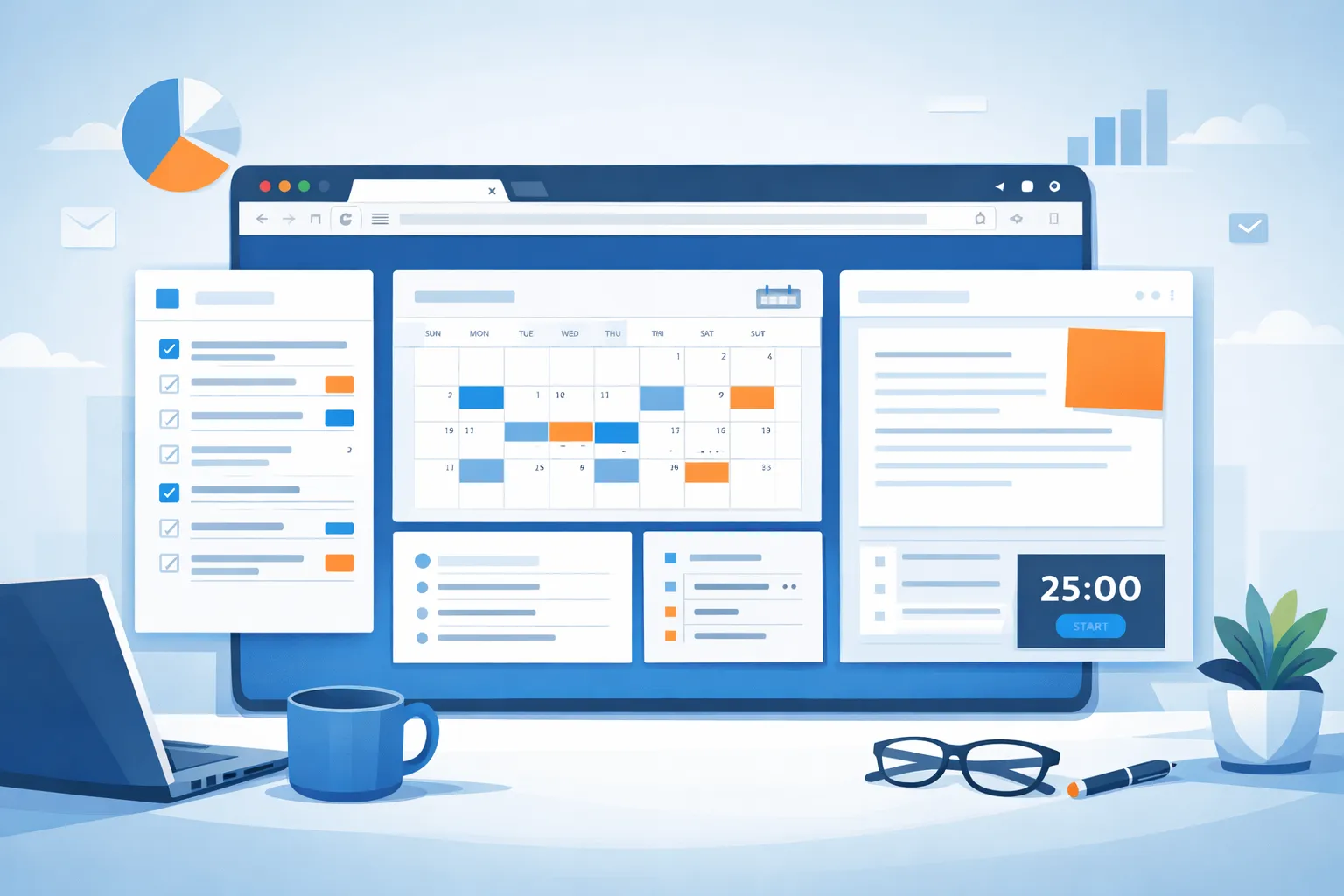
Your browser is where you spend most of your digital life. It's also where productivity goes to die — endless tabs, distracting notifications, one-click access to social media. But with the right setup, your browser can become your most powerful productivity tool.
This comprehensive guide covers everything you need to transform your browser from a distraction machine into a focus powerhouse.
Table of Contents
- The Browser Productivity Problem
- Blocking Distracting Websites
- The Pomodoro Technique for Browsers
- Deep Work Browser Setup
- Focus Mode Extensions
- Digital Minimalism Approach
- Building Sustainable Habits
- Recommended Tools
The Browser Productivity Problem
The Statistics Are Alarming
Research reveals the true cost of browser distractions:
| Metric | Impact |
|---|---|
| Average tab switches | 300+ per day |
| Time lost to social media | 2.5 hours daily |
| Recovery time after distraction | 23 minutes |
| Productivity loss | 40% of work hours |
Why Browsers Are Uniquely Distracting
Infinite access: Every distraction is one click away No friction: Switching to Twitter is easier than staying focused Notifications: Constant interruptions from multiple sources Open tabs: Visual reminders of unfinished browsing Autoplay: Videos and content designed to capture attention
The Good News
The same features that make browsers distracting can be reconfigured for focus:
- New tab pages → Productivity dashboards
- Extensions → Focus enforcement tools
- Bookmarks → Curated work resources
- Notifications → Controlled and scheduled
- Tabs → Managed and minimized
Blocking Distracting Websites
The most effective productivity technique is simply removing temptation. Website blocking creates friction between you and your distractions.
Why Blocking Works
Willpower is limited — You can't rely on self-control all day Habits are automatic — You'll type "twitter.com" without thinking Context matters — Blocking changes your environment Friction is powerful — Even small barriers reduce behavior
Blocking Strategies
Nuclear Option: Block everything except work sites
- Best for: Extreme focus needs, deadlines
- Risk: May block legitimate research
Targeted Blocking: Block specific time-wasters
- Best for: Daily use, sustainable habits
- Sites: Social media, news, entertainment
Scheduled Blocking: Block during work hours only
- Best for: Work-life balance
- Example: 9 AM - 5 PM blocking
Pomodoro Blocking: Block during focus sessions
- Best for: Structured work periods
- Unblock during breaks
What to Block
Tier 1: Always Block During Work
- Social media (Twitter, Facebook, Instagram, TikTok)
- YouTube (unless needed for work)
- News sites
Tier 2: Consider Blocking
- Email (check at scheduled times)
- Slack/Teams (batch communication)
- Shopping sites
- Entertainment sites
Tier 3: Situational
- Wikipedia (research rabbit holes)
- Stack Overflow (if not coding)
- Hacker News
→ Deep dive: How to Block Distracting Websites in Chrome
The Pomodoro Technique for Browsers
The Pomodoro Technique is a time management method that uses timed focus sessions with regular breaks.
The Classic Pomodoro Method
25 minutes WORK → 5 minutes BREAK → Repeat 4x → 15-30 minute LONG BREAK
Why It Works
Time boxing: Creates urgency and focus Regular breaks: Prevents burnout and maintains energy Progress tracking: Completed pomodoros = visible progress Commitment device: Easier to commit to 25 minutes than "work all day"
Browser Implementation
1. Timer Widget
- Use a new tab extension with built-in timer
- Visible countdown creates accountability
- Audio notification signals breaks
2. Automatic Blocking
- Enable site blocking during focus sessions
- Unblock during breaks
- Creates natural work/rest rhythm
3. Task Integration
- Assign one task per pomodoro
- Mark complete when timer ends
- Review progress in break
Variations for Different Work Types
| Work Type | Session | Break | Notes |
|---|---|---|---|
| Standard | 25 min | 5 min | Classic method |
| Deep work | 50 min | 10 min | Longer focus, longer rest |
| Learning | 25 min | 5 min | Review notes in break |
| Creative | 90 min | 20 min | Flow state protection |
| Meetings | 45 min | 15 min | Meeting blocks |
→ Deep dive: Pomodoro Technique for Browser Users
Deep Work Browser Setup
Deep work is "professional activities performed in a state of distraction-free concentration that push your cognitive capabilities to their limit." — Cal Newport
The Deep Work Philosophy
Shallow work: Logistical tasks, emails, meetings — easily replicated Deep work: Focused, creative, high-value — hard to replicate
In the knowledge economy, deep work is increasingly valuable while becoming increasingly rare.
Browser Configuration for Deep Work
Step 1: Environment Setup
✓ Close all unnecessary tabs
✓ Enable focus mode
✓ Block all distracting sites
✓ Set timer for deep work session
✓ Put phone in another room
Step 2: New Tab Optimization
- Minimal widgets (time only, or time + one task)
- Calm, non-distracting wallpaper
- No news or social feeds
- Single focus task visible
Step 3: Notification Elimination
- Disable all browser notifications
- Close email tabs
- Mute Slack/Teams
- Enable Do Not Disturb on OS
Step 4: Tab Discipline
- Maximum 3 tabs open
- Close tabs when done
- No "save for later" tabs
- Use bookmarks, not tabs
Deep Work Rituals
Starting ritual:
- Clear desk and close applications
- Open browser with clean new tab
- Write session intention
- Start timer
- Begin work
Ending ritual:
- Note where you stopped
- Add next steps to todo
- Close all work tabs
- Review accomplishments
→ Deep dive: Deep Work Setup: Browser Configuration Guide
Focus Mode Extensions
Focus mode extensions provide structured tools for maintaining concentration.
Types of Focus Tools
Website Blockers
- Block specific sites or categories
- Scheduled or on-demand blocking
- Examples: BlockSite, Cold Turkey
Distraction-Free Writing
- Full-screen text editors
- Minimal interface
- Examples: Draft, Write!
New Tab Replacements
- Productivity dashboards
- Integrated timers and todos
- Examples: Dream Afar, Momentum
Tab Managers
- Limit open tabs
- Session saving
- Examples: OneTab, Toby
What to Look For
| Feature | Why It Matters |
|---|---|
| Website blocking | Core distraction prevention |
| Timer integration | Pomodoro support |
| Scheduling | Automatic work/break modes |
| Sync | Consistent across devices |
| Privacy | Data handling matters |
| Free features | Value without subscription |
Extension Comparison
Dream Afar — Best free all-in-one
- Focus mode with site blocking
- Pomodoro timer
- Todo and notes
- Beautiful wallpapers
- 100% free, privacy-first
Cold Turkey — Most powerful blocker
- Unbreakable blocking
- Scheduled sessions
- Cross-application blocking
- Premium features
Forest — Best for gamification
- Grow trees during focus
- Lose trees for distractions
- Social accountability
- Mobile + browser
→ Deep dive: Focus Mode Extensions Compared
Digital Minimalism in Your Browser
Digital minimalism is a philosophy of technology use focused on intentionality over defaults.
Core Principles
Principle 1: Less is more
- Fewer tabs, fewer extensions, fewer bookmarks
- Only keep what actively serves your goals
- Remove everything that doesn't add clear value
Principle 2: Intentional use
- Open browser with purpose
- Know what you're doing before you start
- Close when task is complete
Principle 3: Quality over quantity
- Deep engagement with fewer sources
- Curated information diet
- Resist the urge to "stay informed" on everything
Principle 4: Regular decluttering
- Weekly bookmark review
- Monthly extension audit
- Quarterly digital reset
Minimalist Browser Setup
Extensions: Maximum 5
- Ad blocker (uBlock Origin)
- Password manager (Bitwarden)
- New tab (Dream Afar)
- One productivity tool
- One work-specific tool
Bookmarks: Ruthlessly curated
- Only sites you visit weekly
- Organized in minimal folders
- Delete quarterly if unused
Tabs: Maximum 5 at any time
- Close when done
- No "save for later"
- Use bookmarks or notes for links
Notifications: All off
- No browser notifications
- No site notifications
- Check things intentionally
The Minimalist New Tab
┌────────────────────────────────────┐
│                                    │
│            [10:30 AM]              │
│                                    │
│     "Complete project proposal"    │
│                                    │
│            [Search]                │
│                                    │
└────────────────────────────────────┘
Just time, one task, and search. Nothing else.
→ Deep dive: Digital Minimalism in Your Browser
Building Sustainable Habits
Tools are useless without habits. Here's how to make browser productivity stick.
Start Small
Week 1: Block one distracting site Week 2: Add Pomodoro timer Week 3: Implement daily intention Week 4: Add website blocking schedule
Don't try everything at once. Build one habit before adding another.
Create Rituals
Morning ritual:
- Open new tab
- Review yesterday's incomplete tasks
- Set today's intention
- Start first Pomodoro
Work start ritual:
- Close personal tabs
- Enable focus mode
- Write session goal
- Begin timer
End of day ritual:
- Review completed tasks
- Capture unfinished items
- Set tomorrow's top 3
- Close all tabs
Handle Failure
You will fail. Sites will be visited. Focus will break. This is normal.
When you slip:
- Notice without judgment
- Close the distraction
- Add it to blocklist if recurring
- Return to current task
When you fail repeatedly:
- Analyze the pattern
- Identify the trigger
- Add friction (harder blocking)
- Reduce the temptation
Track Progress
Daily: Completed Pomodoros Weekly: Focus hours, site blocks triggered Monthly: Productivity satisfaction (1-10)
Tracking creates awareness and motivation.
Recommended Tools & Setup
The Complete Productivity Stack
| Category | Recommended | Alternative |
|---|---|---|
| New Tab | Dream Afar | Momentum, Tabliss |
| Website Blocker | Built into Dream Afar | Cold Turkey, BlockSite |
| Timer | Built into Dream Afar | Marinara, Forest |
| Todo | Built into Dream Afar | Todoist, Notion |
| Password Manager | Bitwarden | 1Password, LastPass |
| Ad Blocker | uBlock Origin | AdBlock Plus |
Recommended Setup
For beginners:
- Install Dream Afar
- Enable focus mode
- Block 3 biggest distractions
- Use Pomodoro timer
- Set daily intention
For intermediate users:
- Complete beginner setup
- Implement tab limits
- Schedule blocking hours
- Add weekly review
- Track focus metrics
For advanced users:
- Complete intermediate setup
- Multiple browser profiles (work/personal)
- Deep work rituals
- Digital minimalism audit
- Continuous optimization
Quick Start Guide
5-Minute Setup
- Install Dream Afar from Chrome Web Store
- Enable Focus Mode in settings
- Add 3 sites to block (start with social media)
- Write one intention for today
- Start a 25-minute timer
You're now more productive than 80% of browser users.
Next Steps
- Read How to Block Distracting Websites in Chrome
- Learn Pomodoro Technique for Browser Users
- Set up Deep Work Browser Configuration
- Compare Focus Mode Extensions
- Explore Digital Minimalism in Your Browser
Related Articles
- How to Block Distracting Websites in Chrome
- Pomodoro Technique for Browser Users
- Deep Work Setup: Browser Configuration Guide
- Focus Mode Extensions Compared
- Digital Minimalism in Your Browser
- 10 Productivity Tips for Your Browser's New Tab Page
Ready to transform your browser? Install Dream Afar free →
Try Dream Afar Today
Transform your new tab into a beautiful, productive dashboard with stunning wallpapers and customizable widgets.