10 Productivity Tips for Your Browser's New Tab Page
Transform your new tab page into a productivity hub. Learn 10 proven tips to boost focus, manage tasks, and make the most of every browser tab you open.
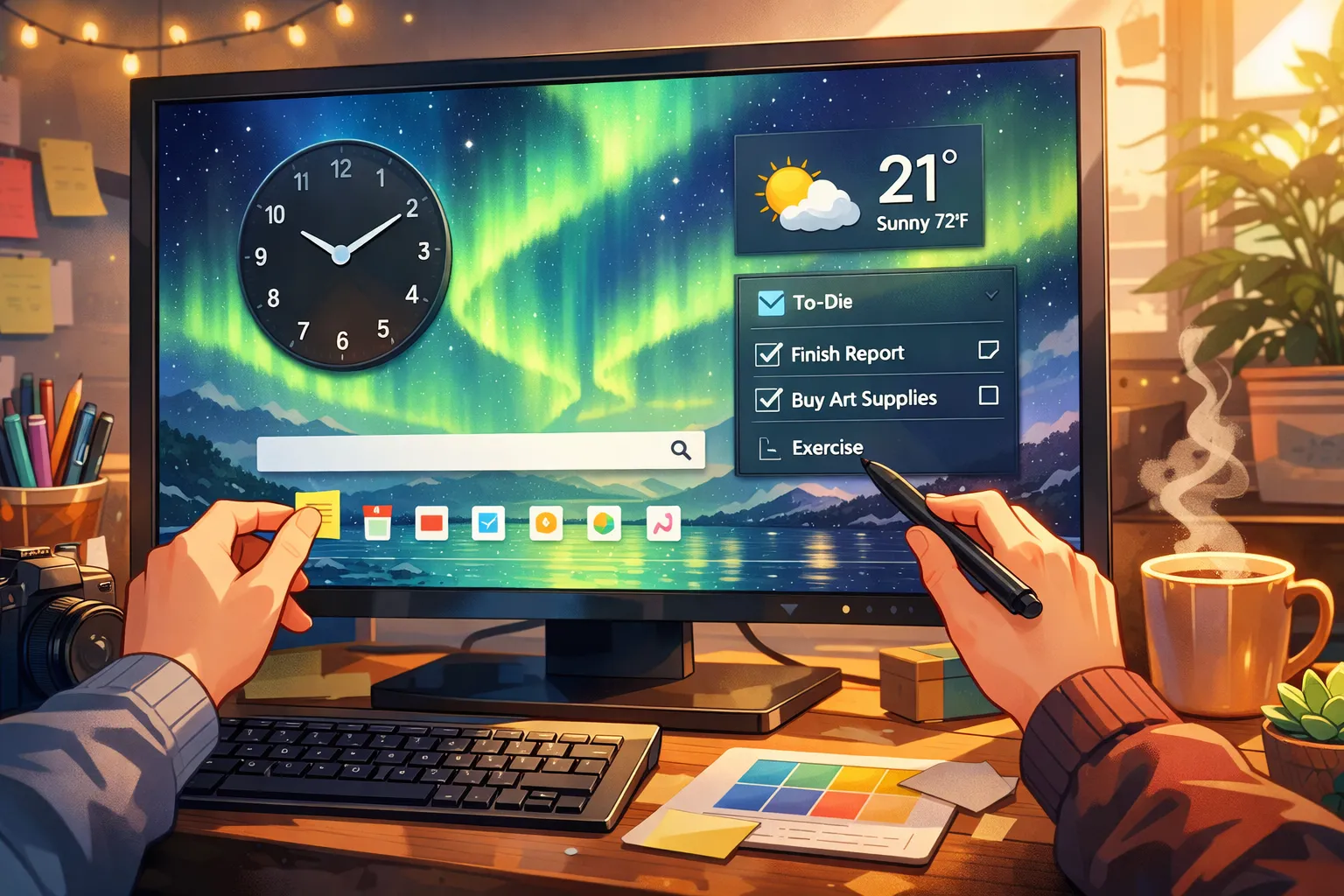
You open new tabs constantly throughout the day. What if each of those moments could nudge you toward being more productive instead of pulling you toward distraction?
Here are 10 proven tips to transform your browser's new tab page into a productivity powerhouse.
1. Set Your Daily Intention Every Morning
Before diving into emails or tasks, use your new tab's notes widget to write down your single most important task for the day.
Why it works: Seeing your main priority every time you open a tab creates constant reinforcement. You're less likely to get sidetracked when your goal is literally staring at you.
How to do it:
- Use a new tab extension with a notes widget (like Dream Afar)
- Write your intention in the format: "Today I will [specific action]"
- Update it each morning
2. Use the 3-Task Rule
Instead of overwhelming yourself with a massive todo list, limit your new tab to only 3 tasks at a time.
Why it works: Research shows that focusing on fewer tasks leads to higher completion rates. A short list feels achievable; a long list feels defeating.
How to do it:
- Add only your top 3 priorities to your new tab's todo widget
- Complete all 3 before adding more
- Move completed tasks to a separate "done" list for motivation
3. Block Distracting Sites During Work Hours
Use your new tab extension's focus mode to block time-wasting websites during designated work periods.
Why it works: Even a split-second of seeing a social media notification can derail your focus for 20+ minutes. Blocking removes the temptation entirely.
Sites to consider blocking:
- Social media (Twitter, Facebook, Instagram, Reddit)
- News sites
- YouTube (during work hours)
- Shopping sites
4. Create Visual Cues with Wallpaper Themes
Choose wallpapers that match your work mode:
- Focus time: Calm, minimal images (mountains, forests, abstract)
- Creative work: Vibrant, inspiring images (cities, art, architecture)
- Relaxation: Beaches, sunsets, nature
Why it works: Environmental cues prime your brain for specific types of work. A calm wallpaper signals "focus time" to your subconscious.
5. Use the Pomodoro Technique
If your new tab has a timer widget, implement the Pomodoro Technique:
- Set a 25-minute focus timer
- Work with full concentration
- Take a 5-minute break
- Repeat 4 times, then take a longer 15-30 minute break
Why it works: Time-boxing creates urgency and prevents burnout. Knowing a break is coming makes it easier to resist distractions.
6. Keep a "Quick Capture" Note
Use your new tab's notes for quick capture — jotting down ideas, tasks, or reminders that pop into your head.
Why it works: Getting thoughts out of your head and onto paper (or screen) frees up mental RAM. You won't lose the idea, and you won't be distracted trying to remember it.
Pro tip: Review and process your quick capture notes at the end of each day.
7. Display Motivational Quotes
Some new tab extensions display daily motivational quotes. While they might seem cheesy, research shows they can provide small boosts to motivation.
Why it works: A well-timed quote can reframe your mindset, especially on difficult days.
Better approach: Instead of random quotes, write your own personal mantra or reminder:
- "Deep work creates value"
- "Progress over perfection"
- "What would [role model] do?"
8. Check Weather to Plan Your Day
A weather widget might seem unnecessary, but it helps with daily planning:
- Dress appropriately
- Plan outdoor activities
- Anticipate mood impacts (yes, weather affects productivity!)
Why it works: Small decisions drain willpower. Knowing the weather at a glance eliminates one more thing to think about.
9. Review Your Calendar Quickly
Some new tab extensions integrate with Google Calendar. Use this to:
- See upcoming meetings at a glance
- Identify free time for deep work
- Mentally prepare for the day
Why it works: Context switching is expensive. Knowing what's coming helps you plan focused work blocks around meetings.
10. End Each Day with a "Shutdown" Ritual
Before closing your browser for the day, use your new tab to:
- Review what you accomplished
- Write tomorrow's top 3 tasks
- Clear any completed items
- Close all unnecessary tabs
Why it works: A shutdown ritual creates psychological closure. You'll sleep better knowing tomorrow is planned, and you'll start the next day with clarity.
Putting It All Together
Here's a sample daily workflow using these tips:
Morning (5 minutes):
- Open new tab → See yesterday's todos
- Write today's single intention
- Add 3 priority tasks
- Glance at weather, plan accordingly
- Start a Pomodoro session
Throughout the Day:
- Use quick capture for stray thoughts
- Check todos between Pomodoro sessions
- Reference your intention when tempted to procrastinate
Evening (5 minutes):
- Review completed tasks
- Process quick capture notes
- Write tomorrow's top 3
- Clear completed items
- Shutdown
The Best New Tab Setup for Productivity
For maximum productivity, you need:
| Feature | Why It Matters |
|---|---|
| Todo list | Track daily priorities |
| Notes | Quick capture + daily intention |
| Timer | Pomodoro sessions |
| Focus mode | Block distractions |
| Weather | Daily planning |
| Clean design | Reduce visual clutter |
Dream Afar includes all of these features for free, making it an ideal choice for productivity-focused users.
Start Small, Build Habits
You don't need to implement all 10 tips at once. Start with one or two that resonate most:
- If you struggle with focus → Start with tip #3 (blocking sites)
- If you feel overwhelmed → Start with tip #2 (3-task rule)
- If you procrastinate → Start with tip #1 (daily intention)
Build the habit, then add more tips over time.
Ready to boost your productivity? Get Dream Afar free →
Try Dream Afar Today
Transform your new tab into a beautiful, productive dashboard with stunning wallpapers and customizable widgets.