Dream Afar + Todoist: Master Task Management with Visual Focus
Combine Dream Afar's calming new tab with Todoist's powerful task management. Learn proven workflows to capture tasks, stay focused, and get more done every day.
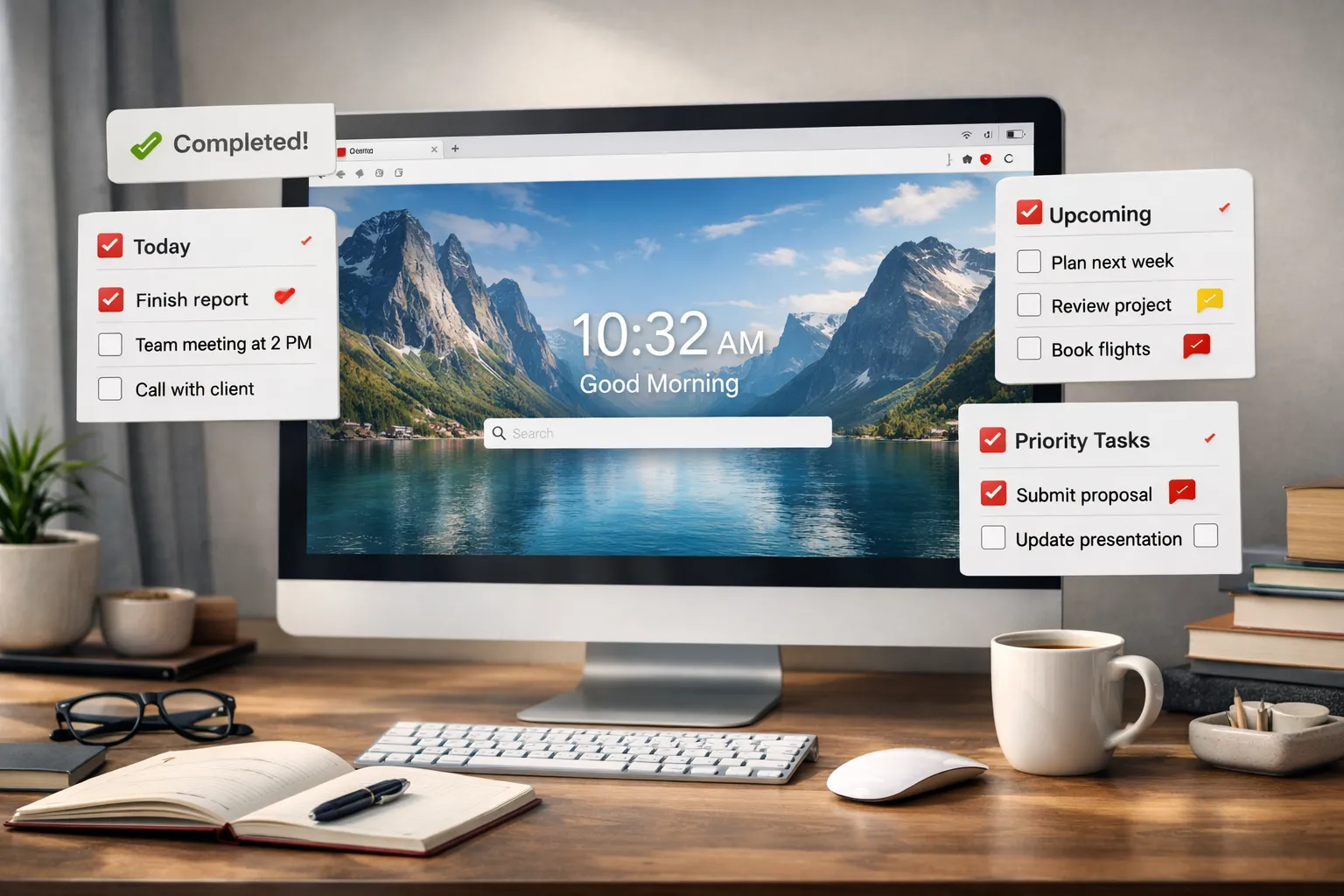
Todoist is trusted by over 30 million people for task management. Dream Afar brings beauty and focus to your browser. Together, they create a task management system that's both powerful and visually inspiring.
This guide shows you exactly how to combine Dream Afar and Todoist for a productivity workflow that actually sticks.
Why This Combination Works
The Psychology Behind It
Todoist's strength: Capturing and organizing everything you need to do
The challenge: Todoist can become overwhelming when you see all 50+ tasks
Dream Afar's solution: Show only today's priorities on every new tab
This creates what psychologists call "environmental design" — your browser environment constantly reinforces what matters most.
Complementary Features
| Feature | Todoist | Dream Afar |
|---|---|---|
| Task capture | Anywhere, any device | Quick new tab notes |
| Task organization | Projects, labels, filters | Today's focus only |
| Reminders | Push notifications | Visual on every tab |
| Overwhelm potential | High (sees everything) | Low (curated daily) |
| Visual environment | Functional | Inspiring |
Setting Up Your Workflow
Step 1: Configure Todoist for Daily Extraction
Create a filter in Todoist for Dream Afar:
Filter name: "Dream Afar Daily"
Filter query: (today | overdue) & p1
This shows only:
- Due today or overdue
- Priority 1 items
Step 2: Set Up Dream Afar
- Install Dream Afar
- Enable the todo widget
- Enable the notes widget for quick capture
- Choose calming wallpaper collection
Step 3: Establish the Daily Sync
Morning (3 minutes):
- Open Todoist → View "Dream Afar Daily" filter
- Copy 3-5 tasks to Dream Afar
- Close Todoist — don't look again until needed
Evening (5 minutes):
- Review Dream Afar completions
- Mark complete in Todoist
- Process any notes to Todoist inbox
- Set tomorrow's priorities
The Complete System
Level 1: Basic Sync
For those just starting:
Todoist: Store all tasks
Dream Afar: Today's top 5
Sync: Morning and evening
Why it works:
- Todoist handles complexity
- Dream Afar handles focus
- Minimal daily overhead
Level 2: GTD Integration
For Getting Things Done practitioners:
Todoist structure:
- Inbox (capture everything)
- Projects (organized by outcome)
- @contexts (by location/tool)
- Someday/Maybe (future items)
Dream Afar role:
- Display @work or @home context
- Quick capture to Todoist inbox
- Focus mode during deep work
Workflow:
- Capture everything in Todoist (or Dream Afar notes)
- Weekly review: process, organize, prioritize
- Daily: extract today's actions to Dream Afar
- Work from Dream Afar, not Todoist
Level 3: Time Blocking
For calendar-integrated productivity:
Morning planning:
- Review Todoist tasks by project
- Estimate time for each
- Add to Dream Afar with time blocks:
- "9-10: Write proposal (Project X)"
- "10-11: Client call"
- "11-12: Code review"
Dream Afar becomes your time-block display — see your schedule on every new tab.
Advanced Techniques
Technique 1: Priority Layering
Use Todoist priorities strategically:
| Priority | Meaning | Dream Afar Treatment |
|---|---|---|
| P1 | Must do today | Always add to Dream Afar |
| P2 | Should do today | Add if space |
| P3 | Could do today | Only if P1s complete |
| P4 | Eventually | Never add to Dream Afar |
Technique 2: Context Switching Prevention
Problem: Jumping between different types of tasks
Solution: Theme your Dream Afar by context
Example morning:
Dream Afar todos:
1. [WRITE] Blog post draft
2. [WRITE] Newsletter outline
3. [WRITE] Documentation update
All writing tasks together. When done, refresh with:
Dream Afar todos:
1. [CODE] Fix login bug
2. [CODE] Review PR #234
3. [CODE] Update API tests
Technique 3: The 1-3-5 Rule
Popularized by The Muse:
In Dream Afar, always show:
- 1 big thing (2+ hours)
- 3 medium things (30-60 min each)
- 5 small things (under 30 min)
Example:
BIG:
[ ] Write Q1 strategy document

MEDIUM:
[ ] Prepare meeting slides
[ ] Review team reports
[ ] Update project timeline

SMALL:
[ ] Reply to vendor email
[ ] Schedule dentist appointment
[ ] Submit expense report
[ ] Update Slack status
[ ] Clear browser bookmarks
Handling Common Scenarios
Scenario: Too Many Urgent Tasks
Problem: Everything in Todoist feels urgent
Solution: The "Must vs Should" test
Ask for each task: "What happens if I don't do this today?"
- Actual consequence → Must (add to Dream Afar)
- Vague anxiety → Should (keep in Todoist for tomorrow)
Rule: Maximum 5 items in Dream Afar. No exceptions.
Scenario: Unexpected Tasks
Problem: New tasks appear during the day
Solution: The Capture Protocol
- Quick capture in Dream Afar notes
- Assess: Is this more important than current todos?
- If yes: Add to Dream Afar, move displaced item
- If no: Transfer to Todoist inbox, handle later
Scenario: Recurring Tasks
Problem: Same tasks every day
Solution:
- Keep recurring tasks in Todoist only
- Don't add to Dream Afar (they're automatic)
- Dream Afar is for priorities, not routines
Scenario: Project Sprints
Problem: Need intense focus on one project
Solution: Sprint Mode
- Create Todoist project with all tasks
- Each day, extract 3-5 project tasks to Dream Afar
- Enable focus mode in Dream Afar
- Block everything except project resources
- Work until complete
Productivity Frameworks Applied
Eat the Frog
Framework: Do the hardest thing first
Implementation:
- Mark your "frog" as P1 in Todoist
- Always add frog first in Dream Afar
- Start your day by completing item #1
Two-Minute Rule
Framework: If it takes under 2 minutes, do it now
Implementation:
- Quick tasks go in Dream Afar notes
- Batch process during breaks
- Never add 2-minute tasks to Dream Afar todos
Ivy Lee Method
Framework: End each day by writing tomorrow's 6 priorities
Implementation:
- End of day: Review Todoist
- Write tomorrow's 6 in Dream Afar
- Order by importance
- Tomorrow: Work top to bottom
Wallpaper Psychology for Task Management
Choose wallpapers that support your work:
For High-Stakes Tasks
- Mountain peaks — Achievement focus
- Clear skies — Mental clarity
- Minimalist landscapes — Reduce visual noise
For Creative Tasks
- Colorful abstracts — Stimulate creativity
- Urban scenes — Energy and movement
- Nature patterns — Organic inspiration
For Administrative Tasks
- Calm waters — Patience
- Simple horizons — Perspective
- Soft clouds — Easy atmosphere
Weekly Review Process
Sunday Evening (20 minutes)
In Todoist:
- Clear inbox completely
- Review all projects
- Update due dates
- Identify next week's priorities
In Dream Afar:
- Clear all old todos
- Add Monday's priorities
- Transfer any uncaptured notes
- Choose new wallpaper collection
Daily Review (5 minutes)
Morning:
- Review Dream Afar (already set)
- Quick check Todoist for changes
- Adjust if needed
Evening:
- Mark completions in Todoist
- Set tomorrow's Dream Afar todos
- Process notes to inbox
Troubleshooting
"I keep opening Todoist instead of working"
Solution:
- Remove Todoist from bookmarks bar
- Rely on Dream Afar for daily tasks
- Open Todoist only during designated review times
"Dream Afar todos don't match Todoist"
Solution:
- Accept they're different views of same system
- Todoist = source of truth
- Dream Afar = today's curated focus
"I forget to sync between them"
Solution:
- Set calendar reminders: 8am sync, 6pm sync
- Make it a ritual (coffee + sync)
- Start small: once daily sync is fine
"I have too many P1 tasks"
Solution:
- If everything is priority 1, nothing is
- Review weekly: demote P1s that aren't truly urgent
- Maximum 3 P1 tasks per day
The Complete Daily Schedule
7:30 AM: Morning Sync
1. Open Todoist (2 min)
2. View "Dream Afar Daily" filter
3. Copy top 5 to Dream Afar
4. Close Todoist
8:00 AM - 12:00 PM: Morning Work
- Work from Dream Afar todos
- Quick capture ideas in notes
- Focus mode blocks distractions
- Pomodoro timer for sessions
12:00 PM: Midday Check
1. Review Dream Afar progress
2. Adjust afternoon priorities if needed
3. Add any captured notes to Dream Afar todos
1:00 PM - 5:00 PM: Afternoon Work
- Continue from Dream Afar
- Capture unexpected tasks in notes
- Complete remaining todos
5:30 PM: Evening Sync
1. Mark complete in Todoist
2. Process notes to Todoist inbox
3. Set tomorrow's 5 priorities
4. Clear Dream Afar for fresh start
Conclusion
The Dream Afar + Todoist combination solves the fundamental challenge of task management: how to stay focused on what matters without losing sight of everything else.
Todoist holds your complete task universe — every project, every context, every someday/maybe. Dream Afar shows you the curated daily view — just today's priorities, beautifully presented, on every new tab.
This separation is powerful:
- You're never overwhelmed (Dream Afar limits the view)
- You never forget (Todoist stores everything)
- You stay focused (Dream Afar appears constantly)
- You feel inspired (beautiful wallpapers)
The key is the daily sync ritual. Five minutes morning, five minutes evening. That's all it takes to maintain a system that actually works.
Related Articles
- The Complete Guide to Browser-Based Productivity
- The Pomodoro Technique for Browser Users
- How to Block Distracting Websites in Chrome
- Deep Work Setup: Browser Configuration Guide
Ready to combine Dream Afar with Todoist? Install Dream Afar free →
Try Dream Afar Today
Transform your new tab into a beautiful, productive dashboard with stunning wallpapers and customizable widgets.