Dream Afar + Google Calendar: Visual Time Management That Works
Combine Dream Afar's inspiring new tab with Google Calendar for effective time management. Learn time blocking, focus scheduling, and daily planning techniques.
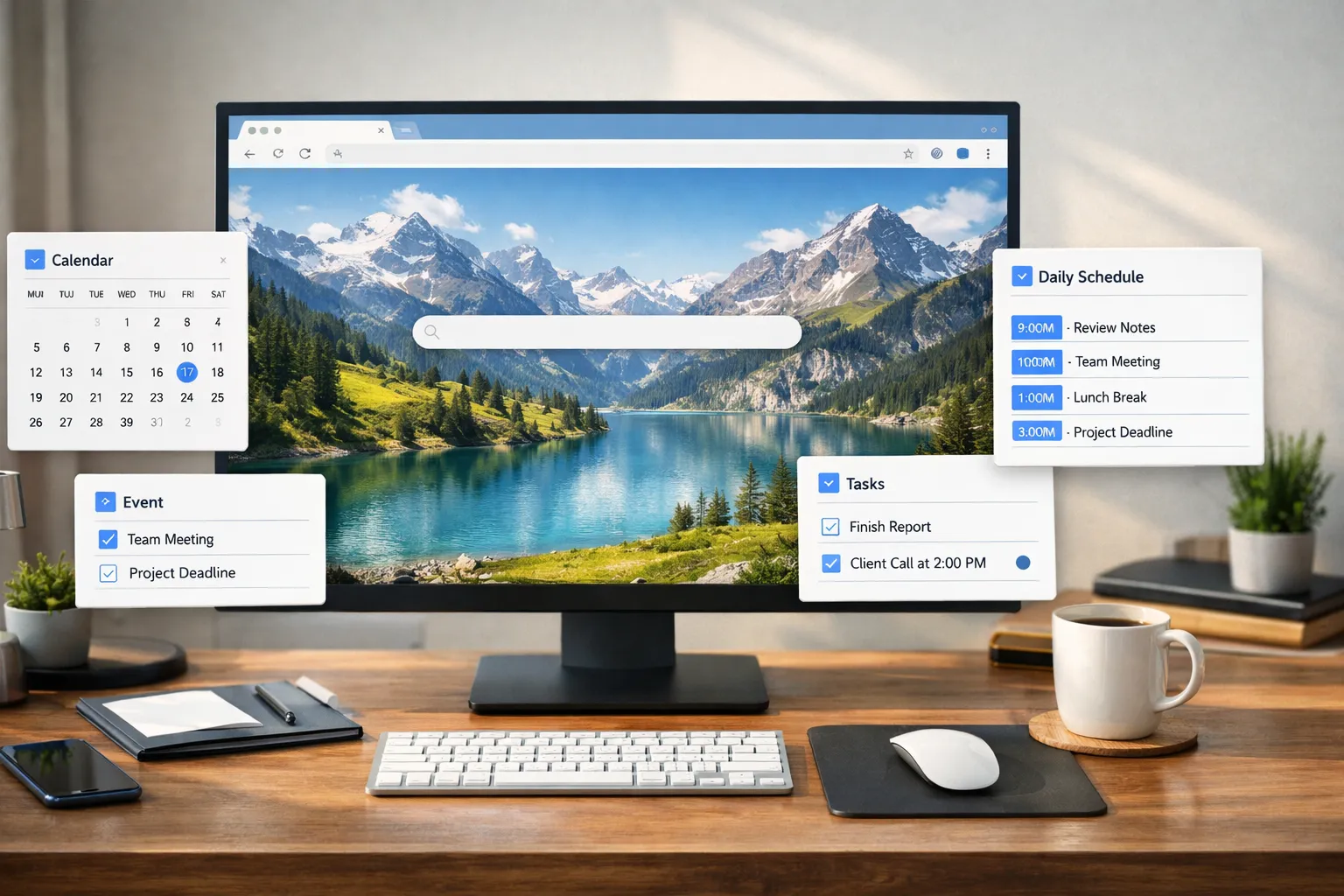
Google Calendar manages your time. Dream Afar manages your attention. Together, they create a time management system that's both structured and inspiring.
This guide shows you how to combine Dream Afar with Google Calendar for a workflow that actually helps you follow through on your schedule.
Why You Need Both
The Calendar Problem
Google Calendar tells you WHEN things should happen. But it doesn't:
- Keep you focused during those times
- Remind you constantly of priorities
- Block distractions during focus blocks
- Create an inspiring work environment
The Dream Afar Solution
Dream Afar complements Google Calendar by:
- Showing today's priorities on every new tab
- Blocking distractions during scheduled focus time
- Creating visual calm that supports concentration
- Providing quick capture for thoughts during work
Setting Up the Integration
Step 1: Structure Your Calendar for Focus
Before Dream Afar, optimize your calendar:
Create calendar categories:
| Category | Color | Purpose |
|---|---|---|
| Focus blocks | Blue | Deep work, no meetings |
| Meetings | Green | Calls, collaborative time |
| Personal | Yellow | Life admin, breaks |
| Buffer | Gray | Transition time |
Step 2: Install and Configure Dream Afar
- Install Dream Afar
- Set up the clock widget (prominent position)
- Enable the todo widget for today's focus
- Enable focus mode for distraction blocking
Step 3: Create the Daily Sync
Morning routine (5 minutes):
- Open Google Calendar
- Review today's schedule
- Note your focus blocks
- Add focus block tasks to Dream Afar todos:
9-11am: Write project proposal 1-3pm: Code new feature 3:30pm: Team standup - Close calendar — work from Dream Afar
Time Blocking with Dream Afar
What Is Time Blocking?
Assigning specific hours to specific tasks:
Calendar:
[9:00-11:00] Deep work block
[11:00-11:30] Email processing
[11:30-12:00] Planning time
[12:00-1:00] Lunch break
[1:00-3:00] Deep work block
[3:00-3:30] Communication time
[3:30-5:00] Meetings/collaborative work
How Dream Afar Enhances Time Blocking
Problem with time blocking alone:
- Easy to ignore calendar
- Tempting to skip focus blocks
- No enforcement of block purpose
Dream Afar adds:
- Visual reminder on every new tab
- Automatic distraction blocking
- Task visibility during blocks
- Accountability through constant presence
Implementation
For each focus block in your calendar:
- Add the block's task to Dream Afar todos
- Enable focus mode before block starts
- Start Pomodoro timer if helpful
- Every new tab reinforces what you should be doing
The Complete Daily System
Morning: Plan the Day (10 minutes)
7:30 AM:
- Open Google Calendar → View today
- Identify your focus blocks
- Decide what to accomplish in each block
- Add tasks to Dream Afar:
Dream Afar Todos:
[9-11] Write Q1 strategy doc
[1-3] Review and merge PRs
[3:30] Standup meeting
[] Reply to urgent emails
[] Process inbox
Include times in your todos — creates clarity.
During Focus Blocks
When a focus block starts:
- Open new tab → See Dream Afar + your task
- Enable focus mode (if not already)
- Start Pomodoro timer (optional)
- Work until block ends
Every new tab shows:
- Your clock (time awareness)
- Your current task (focus reminder)
- Inspiring wallpaper (calm energy)
Between Blocks: Transition Time
Block one ends, block two starts:
- Take 5-minute break
- Check Dream Afar todos — what's next?
- Update any completed items
- Mentally prepare for next block
- Begin
End of Day: Review and Reset
5:30 PM:
- Review Dream Afar completions
- Open Google Calendar
- Note what actually happened vs. planned
- Adjust tomorrow's blocks based on today
- Set tomorrow's Dream Afar todos
Advanced Techniques
Technique 1: Energy-Based Scheduling
Match work type to energy levels:
| Time | Energy | Best For | Dream Afar Task |
|---|---|---|---|
| 9-11am | High | Creative, difficult | Deep work |
| 11-12pm | Medium | Communication | Email, messages |
| 1-3pm | Medium-High | Analytical | Review, planning |
| 3-5pm | Lower | Routine | Admin, meetings |
In Dream Afar:
- Morning: Show hardest task first
- Afternoon: Show lighter tasks
- Order reflects energy, not just calendar
Technique 2: The Theme Day Method
Assign types of work to specific days:
| Day | Theme | Dream Afar Focus |
|---|---|---|
| Monday | Planning | Week's priorities |
| Tuesday | Deep Work | Major project |
| Wednesday | Meetings | Preparation notes |
| Thursday | Deep Work | Major project |
| Friday | Review | Week's learnings |
Technique 3: Buffer Blocks
Schedule empty time in calendar:
Calendar:
[10:00-10:15] Buffer
[12:00-12:15] Buffer
[3:00-3:15] Buffer
Use buffers for:
- Processing Dream Afar notes
- Catching up if behind
- Mental transitions
- Quick tasks that appeared
Handling Calendar Challenges
Challenge: Back-to-Back Meetings
Problem: No time for focus work
Solution with Dream Afar:
- Identify even 30-minute gaps
- Add specific "tiny wins" to Dream Afar:
[10:30-11] Quick: Reply to 3 emails - Use gaps productively — Dream Afar reminds you
Challenge: Calendar Changes Mid-Day
Problem: Meetings get rescheduled
Solution:
- When schedule changes, update Dream Afar
- Remove cancelled meeting, add new task
- Don't waste freed time — Dream Afar shows options
Challenge: Recurring Meeting Overload
Problem: Same meetings every week, no deep work time
Solution:
- Block focus time in calendar FIRST
- Treat focus blocks as unmovable meetings
- Dream Afar helps you protect them
- Show "Focus Block — Do Not Schedule" in calendar
Focus Mode Scheduling
Align Dream Afar Focus Mode with Calendar
Manual approach:
- Enable focus mode when entering focus blocks
- Disable when blocks end
Ritual approach:
- First task of focus block: Enable focus mode
- Last task: Disable + take break
- Calendar alert can remind you
What Focus Mode Blocks
Recommended blocklist during focus time:
- Social media (facebook.com, twitter.com, etc.)
- News sites (cnn.com, bbc.com, etc.)
- Entertainment (youtube.com, netflix.com)
- Shopping (amazon.com, etc.)
- Communication (slack.com, mail.google.com — optional)
Weekly Calendar + Dream Afar Review
Sunday Planning Session (30 minutes)
In Google Calendar:
- Review next week's commitments
- Block focus time first
- Identify key deliverables
- Note high-priority meetings
In Dream Afar:
- Set Monday's priorities
- Choose inspiring wallpaper collection
- Clear any old notes
Daily Evening Planning (5 minutes)
- Check tomorrow's calendar
- Add focus block tasks to Dream Afar
- Set tomorrow's top priorities
- Identify any preparation needed
Specific Workflows
For Remote Workers
Calendar:
- Block "deep work" from 9-12
- Schedule team calls for afternoon
- Block "async communication" windows
Dream Afar:
- Morning: Deep work task visible
- Show "Slack time: 2pm" as reminder
- Block video call sites during focus (if tempting)
For Managers
Calendar:
- Cluster meetings together
- Protect at least one 2-hour focus block
- Schedule "thinking time"
Dream Afar:
- Before meetings: Prep questions visible
- During focus: Strategic work only
- Quick notes for follow-ups
For Students
Calendar:
- Class schedule fixed
- Study blocks between/after classes
- Assignment deadlines as all-day events
Dream Afar:
- Today's study tasks
- Assignment due dates visible
- Block social media during study blocks
For Freelancers
Calendar:
- Client work blocks
- Admin/invoicing time
- Business development time
Dream Afar:
- Today's client deliverables
- Track billable work
- Capture project ideas
Optimizing Your Time Blocks
How Long Should Blocks Be?
Research suggests:
- Minimum: 60-90 minutes for deep work
- Maximum: 4 hours before break needed
- Sweet spot: 2-hour blocks with 15-min breaks
Protecting Blocks
Calendar tactics:
- Make focus blocks "Busy" (shows as unavailable)
- Add "[Focus]" to block titles
- Decline meetings during focus time
Dream Afar tactics:
- Every new tab reinforces commitment
- Focus mode blocks temptations
- Todo list shows what you SHOULD be doing
Troubleshooting
"I keep ignoring my calendar"
Solution:
- Calendar alone lacks enforcement
- Dream Afar adds constant visual reminder
- Enable focus mode to block distractions
- Calendar sets intention, Dream Afar holds you to it
"My focus blocks get interrupted"
Solution:
- Block interruption sources in Dream Afar
- Communicate focus times to team
- Set Slack/Teams status during blocks
- Treat focus blocks like meetings — don't cancel
"I overestimate what I can do"
Solution:
- Limit Dream Afar to 5 realistic tasks
- Add buffer time in calendar
- Review weekly: planned vs. actual
- Adjust block lengths based on data
Conclusion
Google Calendar gives you structure. Dream Afar gives you focus within that structure.
The calendar tells you "9-11am: Write proposal." Dream Afar shows you this on every new tab, blocks distractions, and creates a beautiful environment for doing the work.
This combination solves the core time management problem: it's not about knowing what to do, it's about actually doing it.
With Dream Afar + Google Calendar:
- Your intentions become visible everywhere
- Distractions are blocked during focus time
- Every new tab reinforces your schedule
- Beautiful wallpapers make work more pleasant
The result: You actually follow through on the time blocks you set.
Related Articles
- The Pomodoro Technique for Browser Users
- Deep Work Setup: Browser Configuration Guide
- How to Block Distracting Websites in Chrome
- The Complete Guide to Browser-Based Productivity
Ready to enhance your calendar with Dream Afar? Install Dream Afar free →
Try Dream Afar Today
Transform your new tab into a beautiful, productive dashboard with stunning wallpapers and customizable widgets.