Dream Afar + Zoom: Master Remote Meetings and Deep Work Balance
Balance Zoom meetings with focused work using Dream Afar. Learn how to prepare for calls, stay productive between meetings, and avoid video call fatigue.
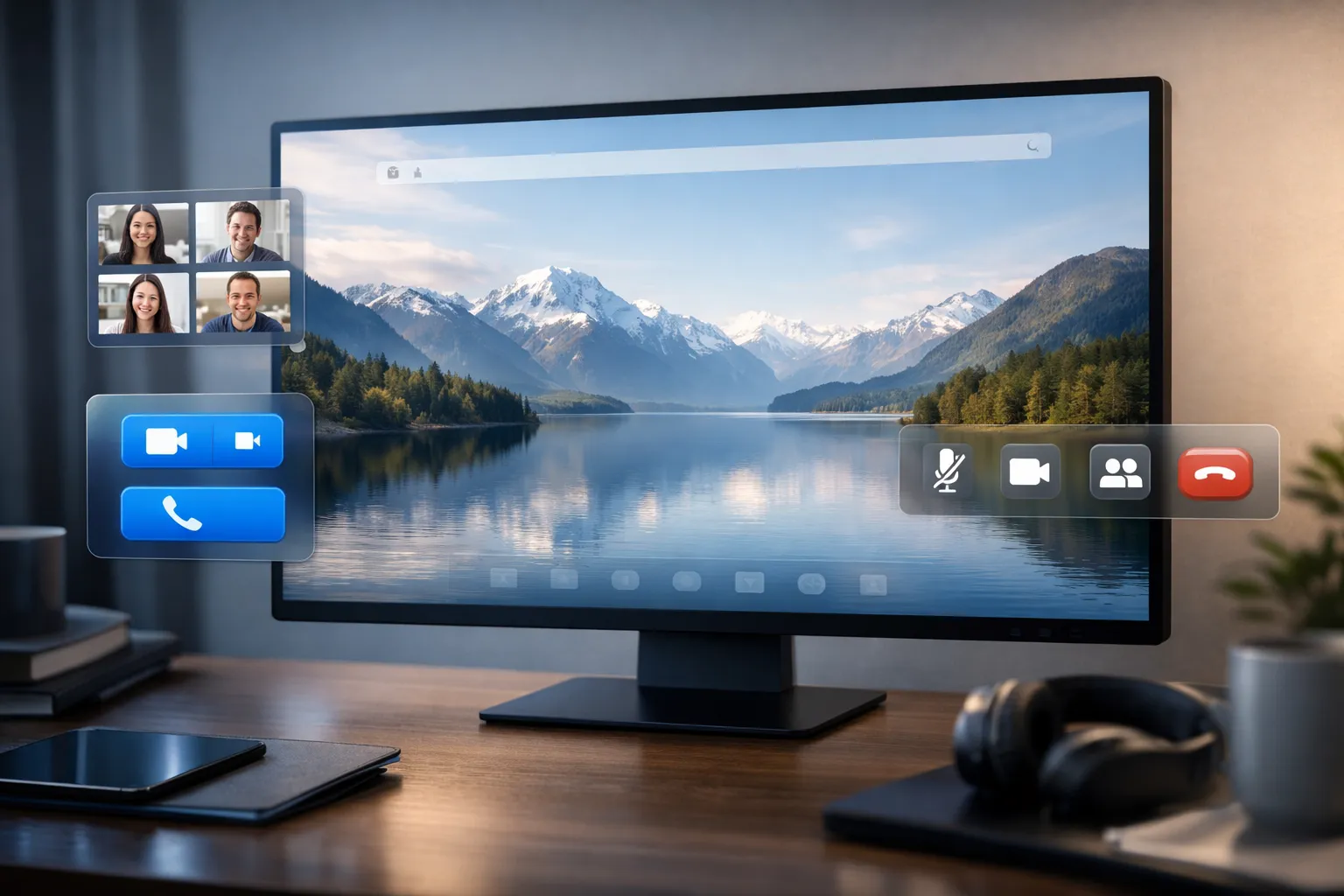
Video calls are essential for remote work. But back-to-back Zooms destroy focus and drain energy. Dream Afar helps you prepare for meetings, maximize time between calls, and recover from video fatigue.
This guide shows you how to use Dream Afar with Zoom for a meeting-heavy schedule that still allows deep work.
The Remote Meeting Challenge
The Problem
Typical remote workday:
- 3-5 hours of video calls
- Fragmented time between meetings
- Energy drain from constant video presence
- Little time for focused work
The Solution
Dream Afar creates structure:
- Before meetings: Preparation visible
- Between meetings: Maximize small windows
- After meetings: Recovery and capture
- No-meeting blocks: Protected focus time
Setting Up the System
Step 1: Configure Dream Afar
- Install Dream Afar
- Set up todo widget with meeting prep and focus tasks
- Enable notes widget for meeting capture
- Choose calming wallpapers (reduce visual stress)
Step 2: Organize Your Meeting Day
Dream Afar todos for meeting days:
MEETING PREP:
[ ] Review agenda: 10am client call
[ ] Prep questions: 2pm team sync

BETWEEN CALLS:
[ ] Quick task: Reply to 3 emails
[ ] Quick task: Review one document

FOCUS BLOCK:
[ ] 3-4pm: No meetings - deep work
Step 3: Create Meeting Boundaries
Use focus mode strategically:
- Block social media during work hours
- Keep Zoom accessible
- Block general web during "no meeting" blocks
Before Meetings: Preparation
The 5-Minute Pre-Meeting Routine
When Dream Afar shows meeting prep:
- Open new tab → See prep reminder
- Review agenda (2 minutes)
- Write 1-3 questions in Dream Afar notes
- Identify your goal for the meeting
- Join call mentally prepared
Visible Meeting Agenda
Add meeting goals to Dream Afar todos:
10am Client Call:
- Goal: Get approval on proposal
- Ask: Timeline concerns
- Share: Updated pricing

2pm Team Sync:
- Goal: Unblock Sarah's project
- Share: Q1 metrics update
- Ask: Resource needs
Every new tab reminds you of meeting purpose.
Managing Meeting Anxiety
Use Dream Afar wallpapers for calm:
- Before stressful calls: Calming nature scenes
- Before energetic meetings: Inspiring landscapes
- The visual environment affects your mental state
During Meetings: Active Participation
Quick Note Capture
During calls, use Dream Afar notes for:
- Action items assigned to you
- Important points to remember
- Follow-up questions
- Commitments you made
Format:
[Meeting name] [Date]
- ACTION: Send proposal by Friday
- NOTE: Client prefers option B
- FOLLOW-UP: Check with legal about terms
Multi-Tab Situation
When you need to reference material during calls:
- Open Dream Afar tabs for visual breaks
- Quick glance at calming wallpaper reduces stress
- Todo list shows what else needs doing today
Between Meetings: Maximize Small Windows
The 15-Minute Power Window
When you have 15-30 minutes between calls:
- Open new tab → Dream Afar shows quick tasks
- Choose ONE achievable item
- Complete it fully
- Mark complete — satisfaction boost before next call
Ideal 15-minute tasks:
- Reply to one email thread
- Review one short document
- Make one quick decision
- Process one inbox item
The 30-60 Minute Window
Enough time for:
- Draft a short document
- Complete a small deliverable
- Process meeting notes into action items
- Brief focused work session
Dream Afar helps by:
- Showing exactly what to work on
- Blocking distracting sites
- Timer for Pomodoro session
The Transition Ritual
After each meeting:
- Open new tab → See Dream Afar
- Take 2 breaths (reset mentally)
- Process meeting notes (2 minutes)
- Add action items to todo list
- Check next meeting timing
- Begin next task or meeting
After Meetings: Recovery and Processing
Meeting Fatigue Recovery
Video call fatigue is real:
- Screen focus strains eyes
- Self-view creates extra cognitive load
- Continuous attention exhausts
Dream Afar recovery helps:
- Beautiful wallpapers = visual rest
- Quick nature scene = mental reset
- Every new tab is a micro-break
Processing Meeting Outputs
End-of-day routine:
- Open Dream Afar notes
- Review captured meeting notes
- Transfer action items to task system
- Clear notes for tomorrow
- Reflect: What did I commit to?
Protecting Focus Time
No-Meeting Blocks
The core principle: Block 2+ hour windows for deep work
Calendar strategy:
- Schedule "Focus Time" as calendar blocks
- Treat them as non-negotiable meetings
- Communicate these blocks to your team
Dream Afar strategy:
- During focus blocks, enable focus mode
- Add deep work task to todos
- Block Zoom/calendar sites during focus
- Every new tab reinforces: "This is FOCUS time"
Defending Focus Time
When meeting requests arrive:
- Check Dream Afar — "Is my focus block today?"
- If yes: Suggest alternative times
- If no: Accept if valuable
Script for declining: "I have focused work time blocked then. Can we do [alternative time] instead?"
Managing Zoom Fatigue
Strategies That Work
Reduce video load:
- Camera off during non-essential calls
- Gallery view off (reduces faces to process)
- Hide self-view
Between calls:
- Open Dream Afar → Calming wallpaper
- Look out window if possible
- Short walk if time allows
Optimize call environment:
- Good lighting reduces strain
- Comfortable seating
- Minimize visual clutter in background
Dream Afar as Visual Rest
Why wallpapers help:
- Natural scenes reduce stress hormones
- Color variety rests eyes
- Beauty provides micro-joy
- Each new tab is a mental reset
Choose fatigue-reducing wallpapers:
- Nature: Forests, mountains, water
- Minimal: Simple, uncluttered scenes
- Cool colors: Blues, greens (calming)
Weekly Meeting Optimization
Sunday: Plan the Week
- Review calendar for meeting load
- Identify back-to-back danger zones
- Block focus time where possible
- Set Dream Afar for Monday
Daily: Morning Check
- Open Dream Afar → See today's meetings
- Identify prep needed for each
- Note gaps between meetings
- Plan what to accomplish in gaps
Friday: Reflect and Adjust
- Count hours in meetings this week
- Count hours in deep work
- Adjust next week's boundaries
- Protect focus time more aggressively
Specific Workflows
For Managers (Many 1:1s)
Dream Afar todo structure:
1:1 PREP:
[ ] Sarah: Review her project blockers
[ ] Mike: Discuss promotion timeline
[ ] Team: Prep agenda items

BETWEEN 1:1s:
[ ] Capture decisions in notes
[ ] Send any promised resources
For Individual Contributors
Dream Afar todo structure:
TODAY'S MEETINGS:
[ ] 10am: Come with status update
[ ] 2pm: Bring questions about spec

FOCUS BLOCKS:
[ ] 11-1pm: Complete feature code
[ ] 3-5pm: Write documentation
For Hybrid Schedules
Dream Afar adjustments:
- Office days: More meeting todos
- Remote days: More focus todos
- Wallpaper can signal mode (different collection per context)
Advanced Techniques
Technique 1: The Meeting-Free Morning
Strategy: No meetings before 11am
Dream Afar support:
- Morning todos = deep work only
- Focus mode until 11am
- First new tab shows: "Focus until 11am"
Technique 2: Batching Meetings
Strategy: Cluster meetings together
Example:
- Monday/Wednesday: Meeting-heavy
- Tuesday/Thursday: Focus-heavy
- Friday: Flexible
Dream Afar supports this:
- Different todo templates by day type
- Meeting days: Prep and quick tasks visible
- Focus days: Deep work tasks visible
Technique 3: Walking Meetings
For calls where video isn't essential:
- Join audio-only from phone
- Walk during the call
- Return to Dream Afar for next task
Troubleshooting
"I'm in calls all day"
Solutions:
- Block one 90-minute focus block non-negotiably
- Do deep work early morning before calls start
- Use Dream Afar to maximize tiny gaps
- Talk to manager about meeting load
"I can't focus between calls"
Solutions:
- Have pre-defined quick tasks ready
- Use Pomodoro for short sessions
- Dream Afar shows exactly what to do
- Lower expectations for between-call work
"Meetings run over and eat my focus time"
Solutions:
- Set hard stop for meetings
- Leave 5 minutes early if needed
- Calendar buffer between meetings
- Communicate boundaries clearly
Conclusion
Remote work success requires balancing meetings with focused work. Dream Afar provides the structure:
Before meetings:
- Preparation visible
- Goals clear
- Anxiety reduced through calming visuals
Between meetings:
- Quick tasks accessible
- Distractions blocked
- Every minute counts
After meetings:
- Notes captured
- Action items extracted
- Visual rest for recovery
During focus blocks:
- Deep work protected
- Meeting sites blocked
- Constant priority reminders
With Dream Afar + Zoom, you don't have to choose between being responsive to your team and doing focused work. You can structure your day to do both effectively.
Related Articles
- Dream Afar + Slack: Balance Focus and Communication
- Dream Afar + Google Calendar: Visual Time Management
- Deep Work Setup: Browser Configuration Guide
- The Complete Guide to Browser-Based Productivity
Ready to master your meeting schedule? Install Dream Afar free →
Try Dream Afar Today
Transform your new tab into a beautiful, productive dashboard with stunning wallpapers and customizable widgets.