Dream Afar + Slack: Balance Focus and Communication at Work
Learn how to use Dream Afar with Slack for better work-life balance. Discover strategies to stay connected with your team while protecting deep work time.
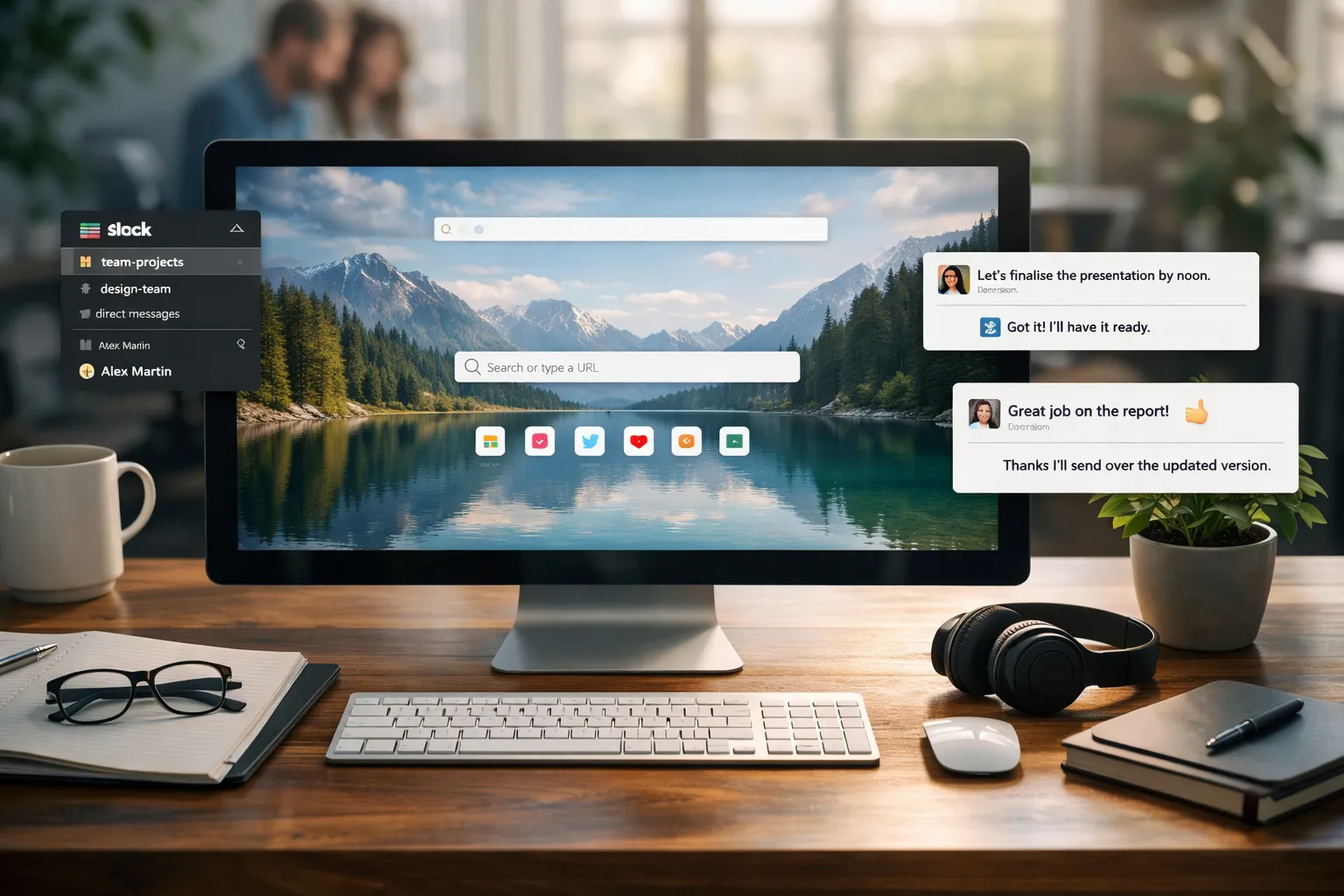
Slack is essential for team communication. But it's also the biggest threat to focused work. Dream Afar helps you manage this tension by creating boundaries, protecting focus time, and keeping priorities visible.
This guide shows you how to use Dream Afar and Slack together without letting either one dominate your workday.
The Communication-Focus Paradox
The Problem with Always-On Slack
Research shows:
- Average worker checks Slack every 5 minutes
- It takes 23 minutes to refocus after an interruption
- Constant notifications increase stress and anxiety
- Yet ignoring Slack creates fear of missing out
The Solution: Structured Communication
Dream Afar doesn't replace Slack. It creates structure around when and how you engage with it.
The framework:
- Focus blocks: Dream Afar visible, Slack closed
- Communication blocks: Slack open, catch up
- Transition moments: Every new tab reminds you of priorities
Setting Up the Integration
Step 1: Configure Dream Afar for Focus
- Install Dream Afar
- Enable focus mode
- Add Slack domains to blocklist:
slack.com*.slack.comapp.slack.com
Step 2: Set Up Time-Based Access
Recommended schedule:
| Time | Slack Status | Dream Afar Mode |
|---|---|---|
| 9:00-9:30 | Available | Normal (catch up) |
| 9:30-12:00 | Focus Mode | Block Slack |
| 12:00-12:30 | Available | Normal (respond) |
| 12:30-3:00 | Focus Mode | Block Slack |
| 3:00-3:30 | Available | Normal (respond) |
| 3:30-5:00 | Available | Normal (wind down) |
Step 3: Create Priority Visibility
Use Dream Afar todos to display:
Today's Priorities:
1. [DEEP] Finish project proposal
2. [DEEP] Code review for team
3. [SLACK] Reply to @channel threads
4. [SLACK] Follow up with Sarah
5. [MEETING] 2pm standup
Label deep work vs. Slack work — makes priorities visible.
The Daily Workflow
Morning: Controlled Catch-Up (30 minutes)
8:30-9:00 AM:
- Open new tab → See Dream Afar + today's priorities
- Open Slack (not blocked yet)
- Scan all channels using these rules:
Triage process:
| Type | Action |
|---|---|
| Urgent @mention | Reply now |
| Can wait @mention | Note in Dream Afar |
| FYI thread | Skim and close |
| General chatter | Ignore |
- Set Slack status to "Focus Mode - back at [time]"
- Close Slack
- Enable Dream Afar focus mode
Deep Work Blocks: Protected Time
9:00 AM - 12:00 PM:
- Dream Afar blocks Slack
- Every new tab shows your priorities
- Work on deep tasks
What to do with Slack-related thoughts:
- Jot in Dream Afar notes
- Continue deep work
- Process notes during Slack window
Example notes:
- Ask Mike about API deadline
- Share update in #project channel
- Check if design review happened
Midday: Brief Reconnection (30 minutes)
12:00-12:30 PM:
- Disable focus mode temporarily
- Open Slack
- Process notes from morning:
- Send messages you noted
- Reply to any urgent mentions
- Set status for afternoon focus
- Close Slack
- Re-enable focus mode
Afternoon: Second Deep Block
12:30-3:00 PM:
Repeat morning pattern. Protect this time.
Late Afternoon: Open Communication
3:00-5:00 PM:
- Slack unblocked
- More responsive, less urgent work
- Handle team questions
- End-of-day coordination
Advanced Strategies
Strategy 1: The Batch Communication Method
Instead of: Responding to each message as it comes
Do this:
- Collect all needed replies in Dream Afar notes
- Process them in 2-3 dedicated Slack sessions
- Faster responses, less context switching
Strategy 2: Asynchronous First
Shift team culture:
- Share your schedule (when you're reachable)
- Encourage async over sync
- Use Dream Afar's visible schedule as accountability
In Dream Afar notes, template:
Slack Response Times:
9:00-9:30, 12:00-12:30, 3:00+ available
Urgent? Text [phone number]
Strategy 3: The Priority Reminder
When tempted to check Slack:
- Open new tab
- See Dream Afar priorities
- Ask: "Is this task done?"
- If no: return to work
- If yes: check Slack as reward
Handling Specific Scenarios
Scenario: Urgent Team Request
What happens:
- Teammate needs something NOW
- But you're in focus mode
Solution:
- Give teammates alternative contact for real urgencies (text, call)
- If they reach out via alternative: it's truly urgent
- Otherwise: they'll wait for your next Slack window
Scenario: Anxiety About Missing Messages
What happens:
- Fear that something critical is happening
- Urge to "just check quickly"
Solution:
- Trust the system (urgent = alternative contact)
- Note anxiety in Dream Afar ("anxious about Slack")
- Review notes later — was anything actually urgent?
- Build evidence that urgent things rarely happen
Scenario: Manager Expects Instant Replies
What happens:
- Boss notices slower response times
- Feels pressured to always be available
Solution:
- Have explicit conversation about focus time
- Share your schedule with manager
- Demonstrate increased output during focus time
- Propose trial period with metrics
Slack Status Automation
Using Dream Afar Focus Times
Create Slack statuses that mirror Dream Afar blocks:
| Focus Block | Slack Status | Emoji |
|---|---|---|
| Deep work AM | "Focus mode til 12pm" | 🎯 |
| Deep work PM | "Focus mode til 3pm" | 🎯 |
| Open time | "Available" | ✅ |
| Meeting | "In a meeting" | 📅 |
Status Templates
For deep work:
🎯 Focus mode - responding at [next window time]
For urgent: text [number] or email with URGENT subject
For creative work:
🎨 Deep in creative work - back at [time]
Please async unless building is on fire
For writing:
✍️ Writing session - checking messages at [time]
Team Communication Best Practices
Setting Expectations
Share with your team:
- Your focus schedule — When you're deep in work
- Response time expectations — Not instant, but same-day
- Urgent contact method — How to reach you for real emergencies
- What "urgent" means — Define clearly
Example team message:
Hey team! I'm experimenting with focused work blocks.
I'll be checking Slack at 9am, 12pm, and 3pm.
For genuine emergencies, text me at [number].
This helps me deliver better work faster. Thanks!
Respecting Others' Focus
When you see a teammate with focus status:
- Send async message (they'll see it later)
- Don't expect immediate reply
- Only interrupt if truly urgent
Measuring Success
Track These Metrics
Focus quality:
- Deep work hours per day
- Number of Slack checks per day
- Time to complete focused tasks
Communication quality:
- Response time during open windows
- Number of missed urgent items (should be zero)
- Team satisfaction with availability
Weekly Review Questions
- How many deep work blocks did I protect?
- Did I miss anything genuinely urgent?
- Did my team adapt to my schedule?
- What would I adjust next week?
Handling Slack FOMO
Understanding Slack FOMO
Fear of Missing Out on:
- Important announcements
- Casual team bonding
- Being seen as engaged
- Interesting discussions
Reframing FOMO
Reality check:
- Most Slack messages don't need you
- You can catch up in 30 minutes
- Your work output matters more than presence
- Quality responses > constant responses
Using Dream Afar as FOMO Antidote
Every new tab shows:
- Your priorities (not others' chatter)
- Beautiful, calming imagery
- Evidence of your progress (completed todos)
This visual reminder: Your focus matters.
The Complete Framework
Morning Ritual (15 minutes)
- Open new tab → Dream Afar appears
- Review priorities for the day
- Quick Slack triage (10 minutes)
- Set Slack status
- Enable focus mode
- Begin deep work
During Focus Time
- Every new tab shows priorities
- Notes capture Slack thoughts
- Distracting sites blocked
- Progress visible
Communication Windows
- Efficient message processing
- Batch replies
- Update status for next block
- Return to focus
Evening Wrap-Up
- Final Slack check
- Process remaining notes
- Set tomorrow's priorities
- Clear Dream Afar for fresh start
Conclusion
Slack isn't the enemy. Unstructured Slack use is the enemy.
Dream Afar helps you create structure:
- Clear focus blocks with distractions blocked
- Visual priorities on every new tab
- Quick capture for Slack-related thoughts
- Defined communication windows
The result: Better focus AND better communication. Your team gets thoughtful responses instead of distracted reactions. Your work gets the attention it deserves.
The goal isn't to use Slack less — it's to use it intentionally.
Related Articles
- The Complete Guide to Browser-Based Productivity
- How to Block Distracting Websites in Chrome
- Deep Work Setup: Browser Configuration Guide
- Digital Minimalism in Your Browser
Ready to balance Slack and focus? Install Dream Afar free →
Try Dream Afar Today
Transform your new tab into a beautiful, productive dashboard with stunning wallpapers and customizable widgets.