Dream Afar + Figma: Enhance Your Design Workflow with Focused Creativity
Combine Dream Afar's inspiring visuals with Figma for better design work. Learn workflows for creative focus, design inspiration, and productive design sessions.
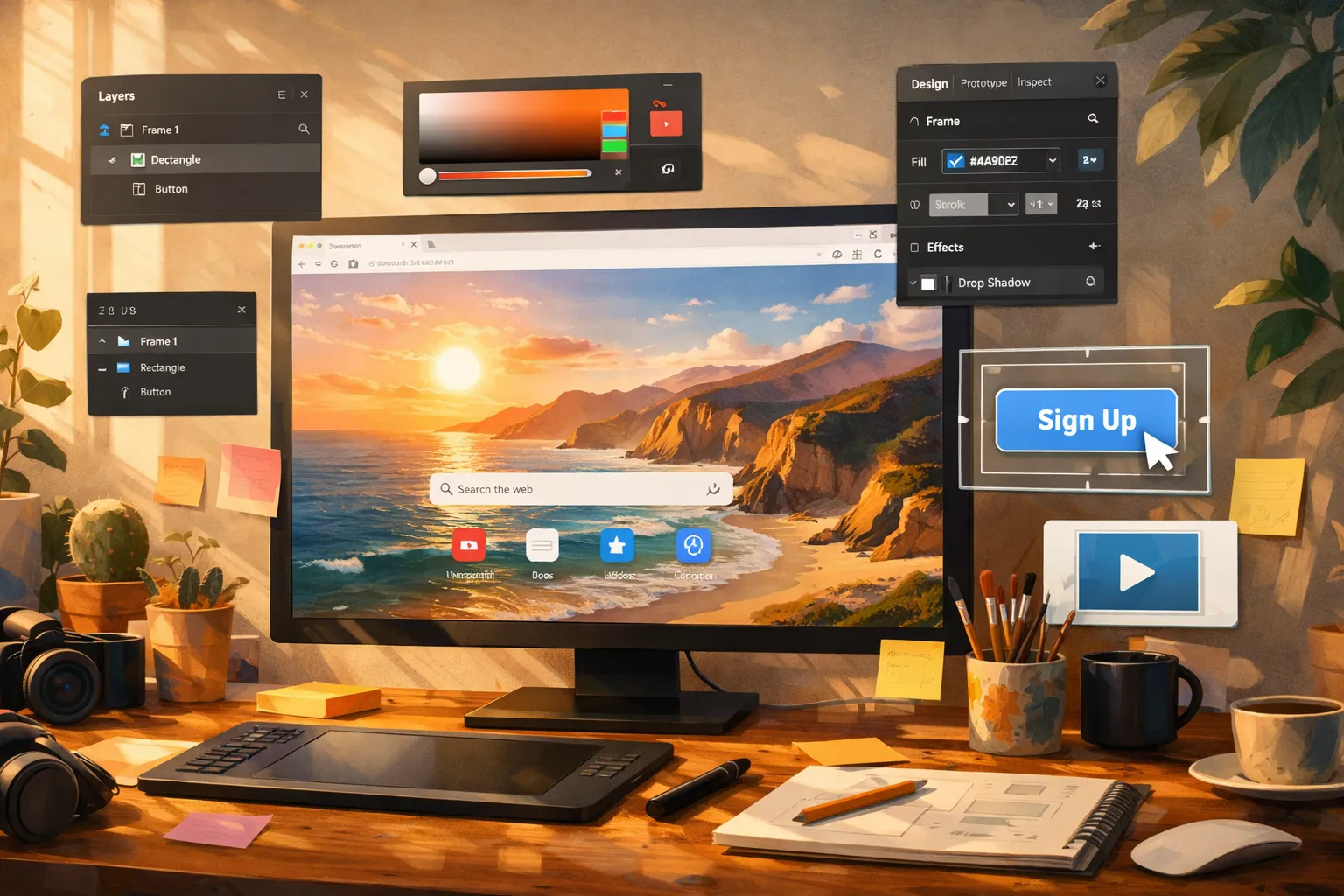
Design work requires both creativity and focus. Figma is where the creative work happens. Dream Afar provides the mental environment that supports it — beautiful visuals for inspiration, clear priorities for direction, and focus tools for uninterrupted sessions.
This guide shows you how to combine Dream Afar with Figma for a design workflow that's both creative and productive.
The Designer's Challenge
The Creative Paradox
Designers need:
- Mental space for creativity
- Visual inspiration
- Uninterrupted focus time
- Clear project direction
Designers struggle with:
- Constant context switching
- Distracting browser tabs
- Losing creative flow
- Balancing multiple projects
The Solution
Dream Afar creates the right mental environment:
- Inspiring wallpapers — Visual palette refreshment
- Clear priorities — Know what to design next
- Focus mode — Block distractions during sessions
- Quick capture — Save ideas without losing flow
Setting Up the Integration
Step 1: Configure Dream Afar for Designers
- Install Dream Afar
- Choose inspiring wallpaper collections:
- Nature for calm focus
- Architecture for structure inspiration
- Abstract for color exploration
- Enable todo widget for design tasks
- Enable notes for design ideas
Step 2: Organize Design Tasks
Dream Afar todo structure for designers:
DESIGN SESSION 1 (AM):
[ ] Homepage redesign - hero section
[ ] Review client feedback on mobile nav

DESIGN SESSION 2 (PM):
[ ] Component library - buttons
[ ] Design review prep

QUICK TASKS:
[ ] Export assets for dev team
[ ] Update Figma file organization
Step 3: Set Up Focus Mode
Add to blocklist during design:
- Social media (instagram, dribbble, twitter)
- Email (gmail, outlook)
- News sites
Allow:
- Figma
- Reference sites (if needed)
- Project resources
The Design Day Workflow
Morning: Set Creative Intention
8:00 AM:
- Open new tab → Dream Afar appears
- Take a moment with the wallpaper (visual reset)
- Review design tasks for today
- Identify the ONE main design priority
- Add to Dream Afar todos:
FOCUS: Homepage hero section design
SECONDARY: Mobile navigation review
ADMIN: Asset export (after design time)
Design Sessions: Protected Creativity
9:00 AM - 12:00 PM (Design Block 1):
- Enable Dream Afar focus mode
- Open Figma to your project
- Work uninterrupted
Every new tab shows:
- Beautiful, inspiring wallpaper
- Your current design priority
- Calm visual environment
When ideas strike for OTHER projects:
- Quick note in Dream Afar (5 seconds)
- Return to current design
- Process ideas later
Breaks: Visual Refreshment
During breaks:
- Open new tab → Fresh wallpaper
- Enjoy the visual change
- Let mind wander creatively
- Return with renewed perspective
Afternoon: Review and Polish
1:00 PM - 4:00 PM (Design Block 2):
- Continue with secondary design tasks
- Design reviews and refinement
- Component work
Late afternoon:
- Asset export
- File organization
- Design documentation
Using Wallpapers for Design Inspiration
Color Palette Inspiration
Dream Afar wallpapers as color references:
- See a wallpaper with appealing colors
- Note in Dream Afar: "Colors: sunset orange, deep blue from today's wallpaper"
- Later: Sample colors in Figma from saved wallpapers
Mood Matching
Match wallpapers to project mood:
| Project Type | Wallpaper Choice | Effect |
|---|---|---|
| Corporate B2B | Architecture, minimalist | Clean, professional mindset |
| Lifestyle brand | Nature, warm tones | Organic, human feel |
| Tech startup | Abstract, colorful | Innovation energy |
| Healthcare | Calm landscapes | Trust, comfort |
Curating Collections
Create wallpaper collections per project:
- Project A: Ocean themes (calm, trustworthy)
- Project B: Urban themes (dynamic, modern)
- Personal work: Abstract (creative exploration)
Managing Design Projects
Single Project Focus
When working on one major project:
Dream Afar todos:
PROJECT: Brand Redesign

TODAY:
[ ] Logo exploration - 3 more concepts
[ ] Color palette finalization
[ ] Typography pairing tests
Multiple Project Balance
When juggling projects:
Dream Afar todos:
MORNING - Client A:
[ ] Homepage design iteration
[ ] Mobile review

AFTERNOON - Client B:
[ ] Icon set - remaining 5 icons
[ ] Export and handoff
Quick Design Captures
Ideas that come during other work:
- Jot in Dream Afar notes:
- Try rounded corners on card components - Test #3498db as accent color - Reference: apple.com/services hero layout - Process notes in next design session
Advanced Techniques
Technique 1: The Inspiration Folder Connection
Create a system:
- When Dream Afar shows inspiring wallpaper
- Screenshot and save to inspiration folder
- Reference in Figma moodboards
Dream Afar note template:
INSPIRATION: [date]
- Wallpaper saved: [description]
- Use for: [project/element]
- Colors to sample: [notes]
Technique 2: The Design Sprint Focus
For intensive design periods:
- Set Dream Afar for sprint mode:
- Single project in todos
- Focus mode blocking everything
- Inspiring wallpapers only
- Work in 90-minute focused blocks
- Brief breaks with new tab (visual refresh)
- Repeat
Technique 3: Design Critique Prep
Before design reviews:
- Add to Dream Afar notes:
REVIEW PREP - [Project]: - Key decisions to explain - Questions for feedback - Alternative directions to show - Review notes before presenting
- Capture feedback during review
Handling Design Challenges
Challenge: Creative Block
Solution with Dream Afar:
- Change wallpaper collection (new visual input)
- Open 10 new tabs → See 10 inspiring images
- Note what catches your eye
- Return to Figma with fresh perspective
Challenge: Too Many Projects
Solution:
- List ALL projects in Dream Afar notes
- Pick ONE for today's focus session
- Others wait
- Quality > quantity in design work
Challenge: Constant Stakeholder Interruptions
Solution:
- Schedule "design time" in calendar
- Enable focus mode (block email, Slack)
- Communicate availability
- Batch stakeholder interactions
Challenge: Losing Design Ideas
Solution:
- Dream Afar notes widget always open
- Quick capture ANY idea immediately
- Process into Figma/project notes daily
- Never lose a design thought
Workflows by Design Type
For UI/UX Designers
Dream Afar focus:
- Current user flow or screen
- Component work
- Design system tasks
Wallpaper choice:
- Clean, minimal (match design work aesthetic)
- Or project-mood-matching
For Brand Designers
Dream Afar focus:
- Logo exploration session
- Brand asset creation
- Guidelines documentation
Wallpaper choice:
- Varied for inspiration
- Match client industry mood
For Product Designers
Dream Afar focus:
- Feature design by sprint
- User testing prep
- Handoff documentation
Wallpaper choice:
- Product-aligned aesthetics
- Calm for focused iteration
For Freelancers
Dream Afar focus:
- Client project priorities
- Quick client-tagged tasks
- Invoice/admin reminders
Wallpaper choice:
- Energy-maintaining
- Rotation to prevent burnout
End-of-Day Design Routine
5:00 PM Wind-Down
In Dream Afar:
- Mark completed design tasks
- Review notes captured today
- Add promising ideas to Figma projects
- Note where you stopped (for tomorrow's quick start)
Example note:
STOPPED: Homepage hero
- Background gradient needs work
- CTA button color test tomorrow
- Hero image: try illustration instead
Prepare Tomorrow
- Set tomorrow's design priorities
- Choose fresh wallpaper collection
- Clear processed notes
The Weekly Design Review
Sunday/Monday Planning
In Figma:
- Review all active projects
- Identify week's design deliverables
- Note blockers and dependencies
In Dream Afar:
- Set week's design goals
- Choose inspiring wallpaper theme
- Prepare Monday's focus
Friday Reflection
Questions to answer:
- What did I design well this week?
- Where did I lose focus?
- What inspiration did I capture?
- What should change next week?
Troubleshooting
"I keep browsing Dribbble instead of designing"
Solution:
- Add dribbble.com to focus mode
- Scheduled inspiration time (not during design blocks)
- Capture ideas without opening rabbit holes
"Client feedback interrupts my flow"
Solution:
- Set specific review check times
- Block email during design sessions
- Batch feedback processing
"I can't get into creative mode"
Solution:
- Change wallpaper (new visual stimulus)
- Try different project briefly
- Take a walk, return fresh
- Lower expectations and start anyway
"Design tasks feel overwhelming"
Solution:
- Maximum 3 design tasks in Dream Afar
- Break large tasks into sessions
- One design problem at a time
Conclusion
Design work thrives in the right environment. Dream Afar creates that environment:
Visual inspiration:
- Beautiful wallpapers refresh your visual palette
- Curated collections match project moods
- Every new tab is an inspiration opportunity
Mental focus:
- Clear design priorities visible always
- Distractions blocked during creative sessions
- Quick capture for ideas without losing flow
Creative sustainability:
- Structured but flexible workflow
- Space for creativity within boundaries
- Balance between inspiration and production
Figma is where you create. Dream Afar is the mental space that makes creation possible.
Related Articles
- Dream Afar + Spotify: Create the Perfect Focus Environment
- Color Psychology in Workspace Design
- Beautiful Wallpapers and Productivity: The Science
- Deep Work Setup: Browser Configuration Guide
Ready to enhance your design workflow? Install Dream Afar free →
Try Dream Afar Today
Transform your new tab into a beautiful, productive dashboard with stunning wallpapers and customizable widgets.