Dream Afar + Spotify: Create the Perfect Focus Music Environment
Combine Dream Afar's calming visuals with Spotify's focus playlists. Learn how to create an immersive work environment with the right music, wallpapers, and distraction blocking.
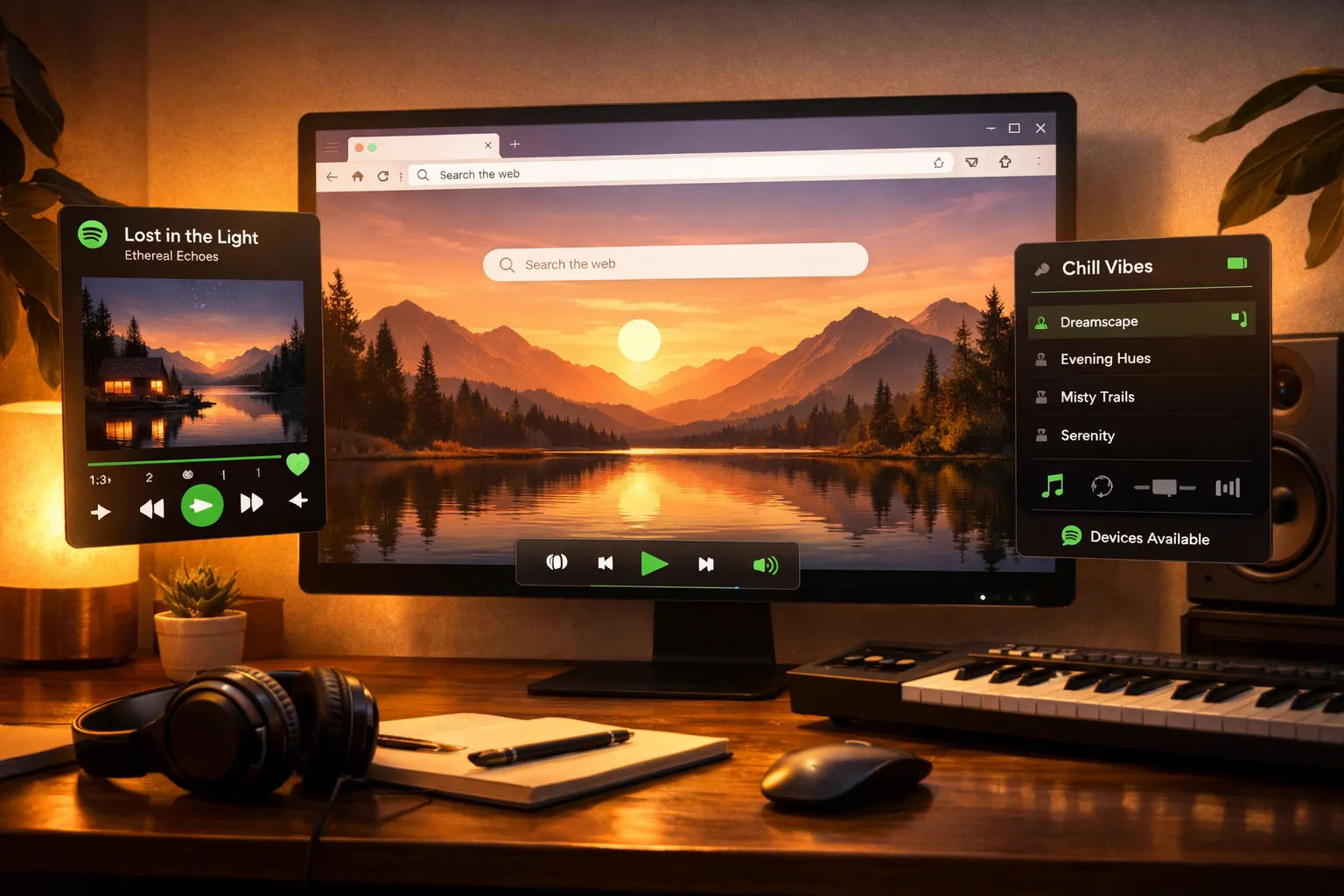
The right environment transforms work. Dream Afar brings visual calm. Spotify brings audio focus. Together, they create an immersive workspace that helps you achieve flow state.
This guide shows you how to combine Dream Afar and Spotify for the ultimate productive atmosphere.
The Science of Music and Focus
Why Music Helps (Sometimes)
Research findings:
- Music can reduce stress and anxiety
- Familiar music requires less cognitive processing
- Certain tempos match optimal focus states
- Lyrics can interfere with language-based work
The Right Music for Focus
| Work Type | Recommended Audio | Why It Works |
|---|---|---|
| Writing | No music or ambient | Lyrics compete for language centers |
| Coding | Lo-fi, electronic | Predictable patterns, minimal lyrics |
| Data work | Classical, jazz | Complexity without distraction |
| Creative | Varied genres | Stimulation without overwhelm |
| Routine tasks | Any preferred music | Motivation boost |
Setting Up the Integration
Step 1: Configure Dream Afar
- Install Dream Afar
- Choose a wallpaper collection that matches your work mood
- Enable focus mode to block music rabbit holes
- Set up your todo widget for task visibility
Step 2: Curate Your Spotify Focus Playlists
Recommended playlist categories:
| Category | Duration | Use Case |
|---|---|---|
| Deep Focus | 2-4 hours | Long work sessions |
| Short Focus | 1-2 hours | Pomodoro blocks |
| Morning Energy | 1 hour | Starting the day |
| Afternoon Calm | 2 hours | Post-lunch focus |
| Creative Boost | 1-2 hours | Brainstorming |
Step 3: Match Playlists to Dream Afar States
Create a system:
| Dream Afar Mode | Wallpaper Vibe | Spotify Playlist |
|---|---|---|
| Focus Mode ON | Minimalist | Deep Focus |
| Morning startup | Bright landscapes | Morning Energy |
| Creative tasks | Colorful/abstract | Creative Boost |
| Wind down | Sunset/ocean | Calm Piano |
Creating the Perfect Focus Environment
The Immersive Setup
Physical environment:
- Headphones on (noise isolation)
- Comfortable seating
- Good lighting
- Minimal desk clutter
Digital environment:
- Dream Afar as new tab
- Spotify playing focus music
- All other sounds muted
- Focus mode blocking distractions
Sensory Alignment
Visual: Dream Afar wallpaper sets the mood Audio: Spotify provides the soundtrack Mental: Todo widget shows the task
All three senses aligned toward focus.
Recommended Spotify Playlists
For Deep Work
Official Spotify playlists:
- Deep Focus
- Intense Studying
- Brain Food
- Workday Lounge
Characteristics:
- 60-80 BPM (matches calm heartbeat)
- No or minimal lyrics
- Consistent energy level
- Long duration (2+ hours)
For Creative Work
Recommended playlists:
- Creative Focus
- Jazz for Study
- Electronic Concentration
- Indie Folk Focus
Characteristics:
- More varied than deep work playlists
- Some dynamic changes
- Slightly more stimulating
- Lyrics okay if not distracting
For Routine Tasks
Recommended playlists:
- Today's Top Hits (familiar songs)
- Your personal favorites
- Mood-matching genres
Characteristics:
- Familiar, enjoyable music
- Higher energy acceptable
- Makes routine work pleasant
The Daily Workflow
Morning: Energizing Start
7:30-8:30 AM:
- Open new tab → Dream Afar with bright landscape wallpaper
- Start Spotify: "Morning Motivation" playlist
- Review todos while energizing music plays
- Transition to work mode
Deep Work: Immersive Focus
9:00 AM - 12:00 PM:
- Enable Dream Afar focus mode
- Switch to "Deep Focus" playlist
- Put on headphones
- Every new tab shows: calming wallpaper + today's priority
- Music fades into background as you achieve flow
Pomodoro integration:
- 25-minute work: Focus music playing
- 5-minute break: Pause music, stretch
- Resume: Music helps re-enter focus
Afternoon: Maintaining Energy
1:00 PM - 3:00 PM:
- Switch wallpaper collection (different mood)
- Change to "Afternoon Focus" playlist
- Slightly more upbeat to counter post-lunch dip
- Continue Pomodoro cycles
Late Afternoon: Winding Down
3:00 PM - 5:00 PM:
- Switch to calmer playlist
- Sunset/ocean wallpapers in Dream Afar
- More relaxed focus for lighter tasks
- Transition toward end of day
Advanced Techniques
Technique 1: Playlist-Task Pairing
Create Pavlovian associations:
| Task Type | Designated Playlist | Effect |
|---|---|---|
| Writing | Lo-fi Beats | Brain associates music with writing mode |
| Coding | Electronic Focus | Immediate focus trigger |
| Emails | Acoustic Covers | Makes routine enjoyable |
| Planning | Jazz Vibes | Thinking music |
Over time: Starting the playlist automatically triggers the associated work mode.
Technique 2: The Focus Ritual
Before each deep work block:
- Open new tab → See Dream Afar
- Take 3 deep breaths
- Start focus playlist
- Put on headphones
- Enable focus mode
- Begin work
This ritual signals: "Focus time starts now."
Technique 3: Energy Management via Audio
Monitor your energy:
- Losing focus? Try slightly faster music
- Feeling anxious? Switch to slower, calmer playlist
- Bored with routine? Add more stimulating music
- Need creativity? Try something unexpected
Dream Afar + Spotify adjustment cycle:
Notice distraction → Check Dream Afar (remember task) →
Adjust Spotify (change energy) → Return to work
Avoiding Common Pitfalls
Pitfall 1: The Playlist Rabbit Hole
Problem: Spending 20 minutes finding the "perfect" playlist
Solution:
- Pre-curate 3-4 playlists for different work types
- Start with any; adjust later if needed
- Block open.spotify.com during focus (access via app only)
Pitfall 2: Music as Procrastination
Problem: "Just checking what song this is..."
Solution:
- Use "Crossfade" feature (smooth transitions)
- Enable Spotify's "Focus" mode (no suggestions)
- Dream Afar focus mode reminds you of the task
Pitfall 3: Wrong Music for the Task
Problem: Lyrics interfering with writing
Solution:
| Task | Avoid | Choose |
|---|---|---|
| Writing | Lyrics | Instrumental, ambient |
| Coding | Erratic tempo | Consistent electronic |
| Reading | Anything stimulating | Nature sounds, silence |
| Creative | Silence | Dynamic, varied |
Pitfall 4: Volume Too High or Low
Problem: Music either distracting or inaudible
Solution:
- Ideal: Just below conscious awareness
- Should fade into background within 5 minutes
- If you're actively listening, it's too loud
Creating Your Focus Soundtrack
Build Your Ultimate Focus Playlist
- Start with Spotify's curated focus playlists
- Identify songs that work for you:
- Notice when you're most focused
- Add those songs to a personal playlist
- Remove distracting songs:
- Sudden tempo changes
- Songs with memories attached
- Anything that makes you check the title
Playlist Length Matters
Too short (under 1 hour):
- Repetition becomes noticeable
- Have to interact with Spotify
Ideal (2-4 hours):
- Covers entire deep work block
- No need to touch Spotify
- Background becomes seamless
Very long (6+ hours):
- Good for long days
- May become stale
Matching Wallpapers to Playlists
Create Mood Combinations
| Mood | Dream Afar Wallpaper | Spotify Playlist |
|---|---|---|
| Calm focus | Mountain lakes | Lo-fi Beats |
| High energy | Bright cityscapes | Electronic Focus |
| Creative | Abstract art | Jazz Vibes |
| Peaceful | Ocean sunset | Calm Piano |
| Cozy | Forest cabin | Acoustic Covers |
Seasonal Adjustments
Winter:
- Warm, cozy wallpapers
- Softer, warmer music
Summer:
- Bright, airy wallpapers
- Upbeat, energetic playlists
Morning:
- Sunrise imagery
- Gradually building music
Evening:
- Sunset/twilight imagery
- Calming, slower tempos
For Different Work Styles
For Deep Thinkers
- Wallpaper: Expansive landscapes
- Music: Minimal, ambient, no lyrics
- Focus mode: Block everything
- Session length: 90+ minutes
For Multitaskers
- Wallpaper: Organized, structured images
- Music: Medium tempo, background-friendly
- Focus mode: Selective blocking
- Session length: 25-50 minute Pomodoros
For Creative Workers
- Wallpaper: Varied, inspiring imagery
- Music: More dynamic, genre-varied
- Focus mode: Allow inspiration sources
- Session length: Variable, flow-based
For Detail-Oriented Work
- Wallpaper: Clean, minimalist
- Music: Consistent, predictable
- Focus mode: Maximum blocking
- Session length: 25 minute Pomodoros
Troubleshooting
"I can't focus with music"
Solutions:
- Try ambient sounds instead (rain, coffee shop)
- Use nature soundscapes
- Try binaural beats
- Or embrace silence — Dream Afar still provides visual focus
"I get tired of my playlists"
Solutions:
- Rotate 3-4 playlists weekly
- Explore Spotify's weekly discoveries
- Follow playlist curators for updates
- Create seasonal playlists
"Music makes me sleepy"
Solutions:
- Increase tempo slightly
- Try electronic over acoustic
- Add occasional dynamic songs
- Take a walk break, return with fresher energy
Conclusion
The Dream Afar + Spotify combination creates an immersive focus environment:
Visual layer (Dream Afar):
- Beautiful, calming wallpapers
- Visible priorities on every new tab
- Distraction blocking
- Focus mode enforcement
Audio layer (Spotify):
- Curated focus playlists
- Energy management through music
- Background ambiance for flow
- Routine-triggering associations
Together:
- Multiple senses aligned toward focus
- Immersive work environment
- Faster entry into flow state
- Sustainable deep work practice
The goal isn't just to work — it's to work in an environment that makes focus feel natural.
Related Articles
- Deep Work Setup: Browser Configuration Guide
- The Pomodoro Technique for Browser Users
- Beautiful Wallpapers and Productivity: The Science
- Color Psychology in Workspace Design
Ready to create your focus environment? Install Dream Afar free →
Try Dream Afar Today
Transform your new tab into a beautiful, productive dashboard with stunning wallpapers and customizable widgets.