Dream Afar + ChatGPT: Supercharge Your AI-Powered Productivity
Learn how to combine Dream Afar with ChatGPT and AI tools for maximum productivity. Discover workflows for AI-assisted writing, coding, research, and creative work.
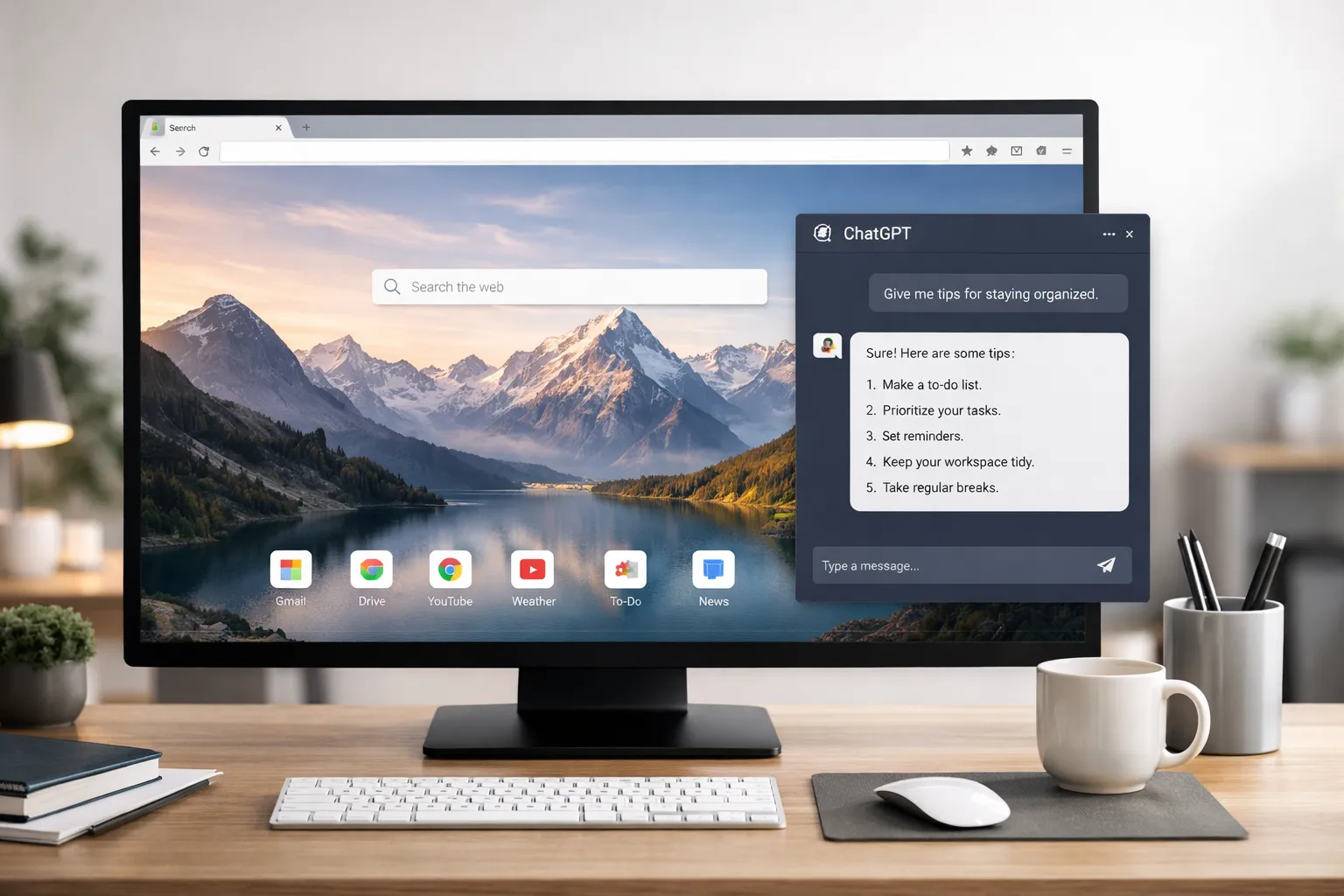
AI tools like ChatGPT are transforming how we work. But they come with a challenge: staying focused while AI does the heavy lifting. Dream Afar helps you maintain direction and avoid AI rabbit holes.
This guide shows you how to combine Dream Afar with ChatGPT (and other AI tools) for a workflow that's both powerful and focused.
The AI Productivity Paradox
The Promise
AI tools can:
- Draft content in seconds
- Answer complex questions instantly
- Generate code, designs, and ideas
- Automate routine tasks
The Reality
Without structure, AI tools lead to:
- Endless prompt experimentation
- Rabbit holes of exploration
- Unfocused output generation
- Time lost to "playing" with AI
The Solution
Dream Afar provides the focus layer that AI needs:
- Clear goals before AI sessions
- Task visibility during AI work
- Distraction blocking during focus
- Quick capture for AI-generated ideas
Setting Up the Integration
Step 1: Configure Dream Afar
- Install Dream Afar
- Enable the todo widget for AI task tracking
- Enable notes widget for capturing AI outputs
- Set up focus mode for distraction-free AI work
Step 2: Define Your AI Workflow
Create clear categories:
| AI Task Type | Time Limit | Dream Afar Action |
|---|---|---|
| Content drafting | 30 min | Todo: "Draft X with AI" |
| Research | 15 min | Todo: "Research Y topic" |
| Code generation | 45 min | Todo: "Generate Z feature" |
| Brainstorming | 20 min | Capture ideas in notes |
Step 3: Add AI to Your Blocklist (Strategically)
During non-AI deep work:
- Add
chat.openai.comto focus mode blocklist - Prevents "quick AI check" interruptions
- Forces intentional AI use
During AI work:
- Disable blocking for AI tools
- Keep other distractions blocked
The AI-Focused Workflow
Before AI: Set Intention (2 minutes)
Open new tab → Dream Afar appears
- Add specific AI task to todos:
"Use ChatGPT to: Draft intro for Q1 report" - Define success criteria:
Notes: "Done when I have 3 paragraph intro ready for editing" - Set time limit in your head: "15 minutes for this"
During AI: Stay Focused
Every new tab shows:
- Your specific AI task
- Beautiful wallpaper (mental reset)
- Time awareness via clock
Resist temptation to:
- Ask AI "just one more question"
- Explore tangential topics
- Generate content you don't need
After AI: Capture and Move On
- Copy useful AI output
- Paste key points in Dream Afar notes
- Mark AI todo complete
- Move to next task
AI Workflows by Use Case
Writing with AI
Dream Afar todo:
"AI Draft: Blog post about X topic"
Workflow:
- Write outline manually first
- Open ChatGPT
- Generate draft section by section
- Capture best outputs in Dream Afar notes
- Close ChatGPT when draft complete
- Edit in your regular editor
Time limit: 30-45 minutes per article draft
Coding with AI
Dream Afar todo:
"AI Code: User authentication function"
Workflow:
- Define requirements in Dream Afar notes
- Open AI coding assistant (ChatGPT, GitHub Copilot, Claude)
- Generate code with specific prompts
- Test immediately — don't generate more until tested
- Iterate on what works
- Close AI when feature complete
Time limit: 45-60 minutes per feature
Research with AI
Dream Afar todo:
"AI Research: Competitors in X market"
Workflow:
- Write specific questions before starting
- Open ChatGPT
- Ask questions systematically
- Capture answers in Dream Afar notes
- Verify critical facts externally
- Close ChatGPT when questions answered
Time limit: 15-20 minutes per research session
Brainstorming with AI
Dream Afar todo:
"AI Brainstorm: Marketing campaign ideas"
Workflow:
- Set clear brainstorm scope
- Open ChatGPT
- Generate 10-20 ideas quickly
- Capture all in Dream Afar notes
- Close ChatGPT
- Evaluate ideas separately (human judgment)
Time limit: 15 minutes maximum
Advanced Techniques
Technique 1: The AI Sprint
Structure your day with AI blocks:
| Time | Activity | Dream Afar Display |
|---|---|---|
| 9:00-9:30 | AI content generation | AI task todos |
| 9:30-12:00 | Deep human work | Focus mode (AI blocked) |
| 1:00-1:30 | AI research | AI task todos |
| 1:30-4:00 | Deep human work | Focus mode (AI blocked) |
Benefits:
- AI work is batched and intentional
- Human work protected from AI distraction
- Clear boundaries between modes
Technique 2: The Prompt Library
Build reusable prompts:
Save your best prompts in Dream Afar notes:
PROMPTS:
- "Write a professional email to [X] about [Y]"
- "Summarize this article: [paste]"
- "Generate 5 variations of [headline]"
When starting AI work:
- Open Dream Afar notes
- Copy relevant prompt template
- Customize and use
- Update if you improve the prompt
Technique 3: Output Capture System
Organize AI outputs:
Dream Afar Notes Structure:
---
TODAY'S AI OUTPUTS:
- [Marketing] 5 tagline options: [paste]
- [Code] Auth function: saved in /lib/auth.js
- [Research] Competitor summary: [key points]
---
Daily review:
- Process notes into permanent storage
- Clear Dream Afar for tomorrow
Avoiding AI Productivity Traps
Trap 1: The Infinite Prompt Loop
Problem: "Let me try one more way of asking..."
Solution:
- Set 3-prompt limit per question
- If AI doesn't understand after 3 tries, rephrase your thinking
- Dream Afar todo: Mark done after reasonable attempt
Trap 2: Over-Reliance on AI
Problem: Using AI for things you should think about yourself
Solution:
- AI for first drafts, not final thinking
- AI for options, not decisions
- Always edit and verify AI output
- Dream Afar reminds: YOU are the final judge
Trap 3: AI as Procrastination
Problem: "I'll just ask AI about this interesting thing..."
Solution:
- During focus time: Block AI tools
- Only unblock for specific, planned AI tasks
- Dream Afar todo must exist before opening AI
Trap 4: Uncaptured AI Work
Problem: Great AI outputs lost in chat history
Solution:
- Immediately capture useful outputs to Dream Afar notes
- End each AI session with capture step
- Process notes daily to permanent storage
AI Tools + Dream Afar Matrix
ChatGPT
Best for: Writing, brainstorming, general questions Dream Afar integration:
- Todo: Specific writing or research task
- Notes: Capture best outputs
- Focus mode: Block when not in planned AI time
Claude
Best for: Long documents, nuanced analysis Dream Afar integration:
- Todo: Complex analysis tasks
- Notes: Save key insights
- Focus mode: Allow only during analysis blocks
GitHub Copilot
Best for: Code generation Dream Afar integration:
- Todo: Specific coding task
- Notes: Not needed (code saved in files)
- Focus mode: Allow during coding sessions
Midjourney/DALL-E
Best for: Image generation Dream Afar integration:
- Todo: "Generate images for [project]"
- Notes: Save prompt that worked
- Focus mode: Time-box creative generation
Perplexity AI
Best for: Research with citations Dream Afar integration:
- Todo: Specific research questions
- Notes: Save findings with sources
- Focus mode: Block social media during research
The Daily AI Routine
Morning: Plan AI Use (5 minutes)
- Open Dream Afar
- Identify today's tasks where AI could help
- Add specific AI todos:
[ ] AI: Draft meeting summary email [ ] AI: Generate 5 social post variations [ ] AI: Research competitor pricing - Set time limits mentally
AI Sessions: Focused Execution
Before opening AI:
- Check Dream Afar todo — what's the task?
- Disable focus mode for AI site
- Set timer (Pomodoro or mental)
- Work with intention
During AI session:
- Stay on task (Dream Afar visible on new tabs)
- Capture useful outputs immediately
- Don't explore tangents
After AI session:
- Re-enable focus mode
- Mark todo complete
- Process captured outputs if needed
Evening: Review AI Work (5 minutes)
- Review AI todos completed
- Process notes to permanent storage
- Note which AI uses were valuable
- Adjust tomorrow's AI plan accordingly
Measuring AI Productivity
Track These Metrics
Effectiveness:
- Time spent on AI vs. traditional approach
- Quality of AI-assisted output
- Ideas generated per session
Efficiency:
- Time to usable output
- Revision rounds needed
- Tasks completed with AI help
Weekly Review Questions
- Which AI uses saved significant time?
- Which AI uses were time-wasters?
- What prompts worked best?
- How can I be more intentional next week?
Conclusion
AI tools are incredibly powerful — and incredibly distracting. The difference between AI productivity boost and AI time sink is intentionality.
Dream Afar provides that intentionality:
- Before AI: Clear todos define what you're trying to accomplish
- During AI: New tabs remind you of your goal
- After AI: Notes capture useful outputs
- Between sessions: Focus mode blocks impulsive AI use
The formula:
AI Power + Dream Afar Focus = Genuine Productivity Boost
Without Dream Afar, AI easily becomes another distraction. With Dream Afar, AI becomes the tool it's meant to be: a powerful assistant that helps you accomplish YOUR goals.
Related Articles
- The Complete Guide to Browser-Based Productivity
- Deep Work Setup: Browser Configuration Guide
- How to Block Distracting Websites in Chrome
- The Pomodoro Technique for Browser Users
Ready to focus your AI productivity? Install Dream Afar free →
Try Dream Afar Today
Transform your new tab into a beautiful, productive dashboard with stunning wallpapers and customizable widgets.