Dream Afar + Obsidian: Build Your Second Brain with Focus
Combine Dream Afar's visual focus with Obsidian's knowledge management. Learn workflows for note-taking, knowledge capture, and building a second brain while staying productive.
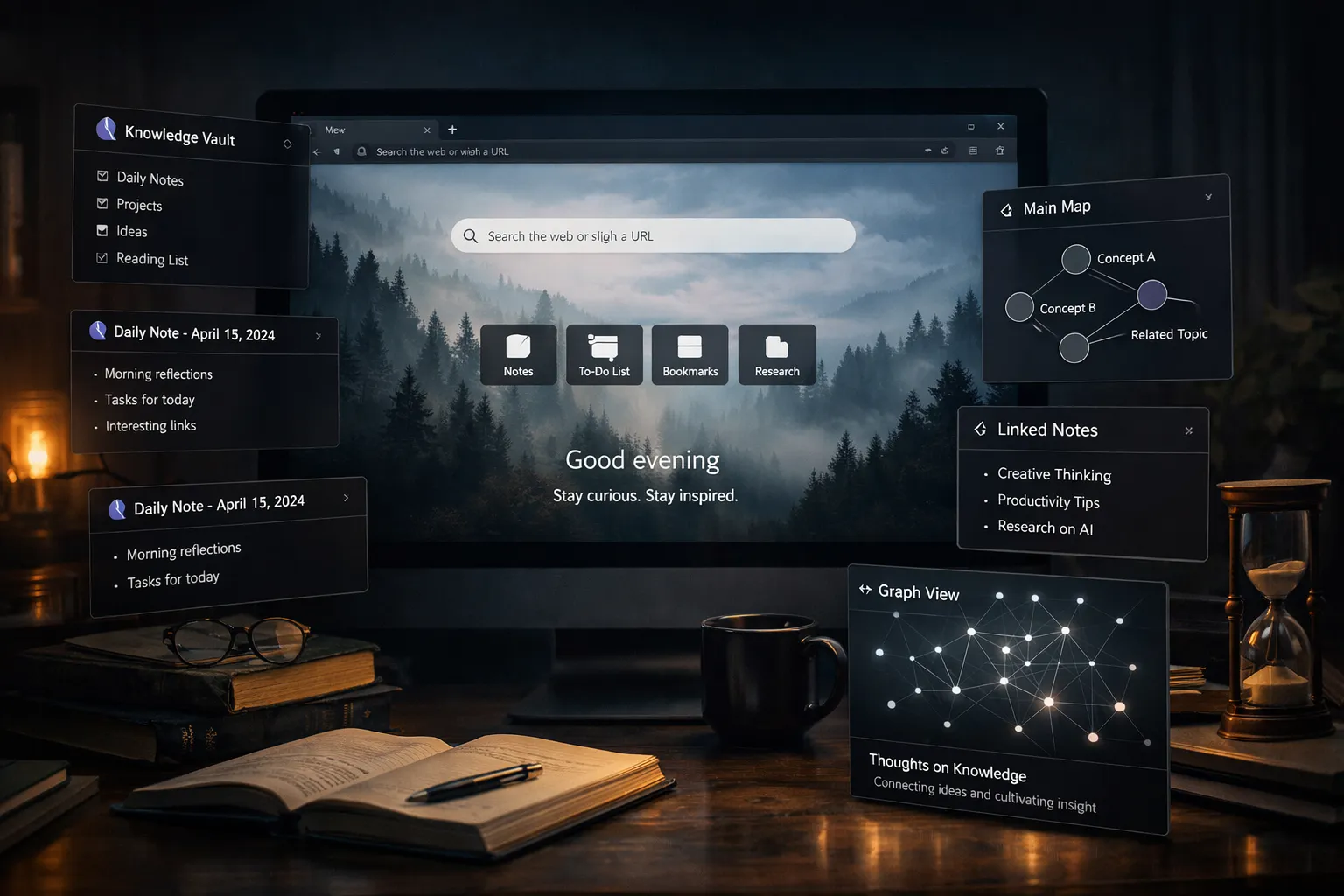
Obsidian is the ultimate tool for building a second brain. But knowledge management can become a procrastination trap. Dream Afar keeps you focused on doing the work, not just organizing information about work.
This guide shows you how to use Dream Afar with Obsidian for a knowledge system that enhances productivity instead of replacing it.
The Knowledge Management Trap
The Promise
Obsidian enables:
- Connected note-taking
- Personal knowledge base
- Ideas linked to ideas
- A "second brain" that thinks with you
The Reality
Without structure, Obsidian leads to:
- Endless organization and reorganization
- Perfecting notes instead of using them
- Collecting information without applying it
- Note-taking as sophisticated procrastination
The Solution
Dream Afar provides action orientation:
- Today's tasks, not yesterday's notes
- Quick capture that feeds Obsidian
- Focus on output, not just input
- Balance between learning and doing
Setting Up the Integration
Step 1: Configure Dream Afar
- Install Dream Afar
- Enable the notes widget — this becomes your inbox
- Enable the todo widget for action items
- Set up focus mode for distraction-free work
Step 2: Create the Capture-Process Flow
Dream Afar → Obsidian pipeline:
Capture (Dream Afar) → Process (Obsidian) → Use (Work)
     ↓                      ↓                  ↓
  Quick ideas           Daily review       Applied knowledge
  Fleeting notes        Organization       Real output
  Random thoughts       Connections        Value creation
Step 3: Establish the Daily Rhythm
| Time | Tool | Activity |
|---|---|---|
| Throughout day | Dream Afar | Quick capture |
| Morning 15 min | Obsidian | Process yesterday's captures |
| Work hours | Dream Afar | Focus on todos |
| Evening 10 min | Obsidian | Final processing |
The Daily Workflow
Morning: Process and Plan (15 minutes)
In Obsidian:
- Open inbox/daily note
- Process Dream Afar captures from yesterday
- File notes to appropriate locations
- Identify connections worth making
In Dream Afar:
- Review today's priorities
- Add any tasks discovered during processing
- Close Obsidian — focus time begins
During Work: Capture, Don't Organize
The golden rule: Capture in Dream Afar, process later in Obsidian
When thoughts arise:
- Jot quickly in Dream Afar notes (10 seconds max)
- Return to current task immediately
- Trust that you'll process later
Good captures:
- "Connect X concept to Y project"
- "Book: Check out [title] on [topic]"
- "Idea: What if we tried [approach]?"
- "Reminder: Revisit [concept] next week"
Evening: Finalize and Clear (10 minutes)
In Dream Afar:
- Review all notes captured today
- Ensure nothing time-sensitive is forgotten
In Obsidian:
- Create daily note with captures
- Process any urgent items
- Link to relevant existing notes
- Clear Dream Afar notes for tomorrow
Knowledge System Architecture
Dream Afar's Role
Quick capture inbox:
- Fleeting thoughts
- Ideas worth remembering
- Connections noticed
- Things to research
Daily focus:
- Today's priorities
- Current project tasks
- Action items from knowledge
NOT for:
- Long-form notes
- Permanent storage
- Complex organization
Obsidian's Role
Permanent knowledge base:
- Processed notes
- Project documentation
- Reference material
- Connected ideas
Regular review:
- Daily notes processing
- Weekly reviews
- Idea incubation
NOT for:
- Quick capture (too slow)
- Daily task management
- Moment-to-moment focus
The Handoff
Thought occurs → Capture in Dream Afar (5 sec)
Later (daily) → Transfer to Obsidian
In Obsidian → Process, link, file
When needed → Search Obsidian for knowledge
Advanced Integration Strategies
Strategy 1: The Zettelkasten Bridge
For permanent note creation:
- Capture idea seed in Dream Afar
- In evening Obsidian session:
- Expand into atomic note
- Add links to existing notes
- Write in your own words
- Clear original capture from Dream Afar
Dream Afar capture:
"Interesting: Compound interest applies to knowledge too"
Obsidian expansion:
# Knowledge Compounds Like Interest

Ideas build on ideas. The more you know, the easier
it is to learn new things. Each piece of knowledge
creates connections for future learning.

Links: [[Learning]] [[Compounding]] [[Second Brain]]
Strategy 2: Project-Knowledge Separation
In Dream Afar:
- Today's ACTION items only
- What needs to be DONE
In Obsidian:
- Project KNOWLEDGE
- Research, context, background
- Ideas related to projects
Workflow:
- Start project → Create Obsidian project note
- Daily work → Dream Afar todos from project
- Discoveries → Capture in Dream Afar
- Processing → Add captures to Obsidian project note
Strategy 3: The Weekly Review
Every Sunday:
In Obsidian:
- Review week's daily notes
- Identify emerging patterns
- Create or update topic notes
- Plan next week's learning focus
In Dream Afar:
- Set week's key priorities
- Note knowledge goals for the week
- Clear any lingering captures
Preventing Knowledge Management Procrastination
The 10-Second Rule
Capture must take under 10 seconds:
- Open new tab
- Jot in Dream Afar notes
- Return to work
If it takes longer, you're organizing, not capturing.
The 15-Minute Processing Limit
Daily Obsidian time is capped:
- Morning: 15 minutes max
- Evening: 10 minutes max
- Total: 25 minutes/day
The rest of the day is for DOING, not ORGANIZING.
The Action-First Mindset
Dream Afar todos always prioritize:
- Work output first
- Knowledge processing second
- Knowledge organization third
Example todo list:
HIGH PRIORITY:
[ ] Finish client proposal
[ ] Code review for team

AFTER WORK IS DONE:
[ ] Process yesterday's captures
[ ] File project notes
Workflows by Use Case
For Writers
Dream Afar captures:
- Article ideas
- Interesting phrases
- Topics to research
- Reader questions to address
Obsidian structure:
- Content ideas database
- Research notes per topic
- Article drafts and outlines
Workflow:
- Capture ideas throughout day → Dream Afar
- Evening: Add to Obsidian content database
- Weekly: Review and develop promising ideas
- Writing time: Work from Obsidian outline
For Developers
Dream Afar captures:
- Bug observations
- Code patterns worth remembering
- Tools to try
- Architecture ideas
Obsidian structure:
- Technical learnings
- Project documentation
- Code snippets
- Problem-solution pairs
Workflow:
- Capture during coding → Dream Afar
- Process to Obsidian weekly
- Link related technical notes
- Reference when encountering similar problems
For Researchers
Dream Afar captures:
- Paper notes
- Connection ideas
- Questions to explore
- Citations to add
Obsidian structure:
- Literature notes
- Topic synthesis notes
- Research questions
- Writing drafts
Workflow:
- Read and capture highlights → Dream Afar
- Daily: Process into literature notes
- Weekly: Synthesize across notes
- Monthly: Review for writing opportunities
For Students
Dream Afar captures:
- Lecture insights
- Questions for professor
- Connection to other courses
- Study reminders
Obsidian structure:
- Course notes
- Concept maps
- Exam prep summaries
- Research notes
Workflow:
- Quick captures during class
- Daily: Process and expand notes
- Weekly: Create synthesis notes
- Exam time: Review organized material
Balancing Input and Output
The 2:1 Rule
For every 1 unit of knowledge capture:
- Produce 2 units of output
Dream Afar helps enforce this:
- Todos show OUTPUT tasks prominently
- Capture is secondary
- Processing is time-limited
What "Output" Means
| Input | Output |
|---|---|
| Read an article | Write a summary |
| Learn a concept | Apply to project |
| Capture ideas | Create something new |
| Research topic | Make a decision |
Dream Afar Output Focus
Every day ask:
- What will I CREATE today?
- What will I DELIVER today?
- What decision will I MAKE today?
These go in Dream Afar todos. Not "organize notes" — actual output.
The Complete System
Quick Reference
| Activity | Tool | Time |
|---|---|---|
| Quick capture | Dream Afar | Throughout day |
| Daily focus | Dream Afar | All work hours |
| Note processing | Obsidian | 15 min morning |
| Final processing | Obsidian | 10 min evening |
| Weekly review | Obsidian | 30 min weekend |
| Actual work | Neither | The rest |
Daily Checklist
Morning (20 min total):
- Check Dream Afar priorities
- Process yesterday's captures in Obsidian
- Close Obsidian, begin work
During work:
- Capture ideas in Dream Afar (seconds each)
- Focus on todos, not notes
- Block Obsidian during focus time if needed
Evening (10 min):
- Transfer captures to Obsidian
- Create daily note
- Clear Dream Afar for tomorrow
- Set next day's priorities
Troubleshooting
"I spend too much time in Obsidian"
Solution:
- Use Dream Afar for daily focus
- Set hard time limits for Obsidian (25 min/day)
- Add Obsidian to focus mode blocklist during work hours
- Remember: Notes exist to serve work, not replace it
"My Dream Afar notes pile up"
Solution:
- Process daily — no exceptions
- Keep captures SHORT (one line each)
- If a capture needs more detail, it's ready for Obsidian
- Weekly purge of stale captures
"I can't find things in Obsidian"
Solution:
- Use consistent templates
- Link liberally
- Trust search over folders
- Daily notes create time-based index
"Knowledge management feels unproductive"
Solution:
- You're right — it IS unproductive in isolation
- Value comes from USING knowledge
- Dream Afar keeps focus on action
- Limit processing time, maximize output time
Conclusion
Obsidian + Dream Afar together create a knowledge system that actually works:
Dream Afar handles the present:
- What you need to DO today
- Quick capture of ideas
- Focus during work
- Action orientation
Obsidian handles the accumulated:
- Long-term knowledge storage
- Connections and synthesis
- Reference and research
- Deep thinking
The key insight: Capture is easy. Action is hard. Dream Afar keeps you focused on the hard part — actually doing work — while ensuring you never lose good ideas along the way.
Build your second brain with Obsidian. But use Dream Afar to make sure you're still using your first brain to create, decide, and deliver.
Related Articles
- Dream Afar + Notion: The Ultimate Productivity Workflow
- The Complete Guide to Browser-Based Productivity
- Deep Work Setup: Browser Configuration Guide
- Digital Minimalism in Your Browser
Ready to build your knowledge system with focus? Install Dream Afar free →
Try Dream Afar Today
Transform your new tab into a beautiful, productive dashboard with stunning wallpapers and customizable widgets.