How Dream Afar Uses Smart Curation to Find Your Perfect Wallpaper
Discover how Dream Afar curates stunning wallpapers from multiple sources to create a personalized new tab experience. Learn about our wallpaper selection process.
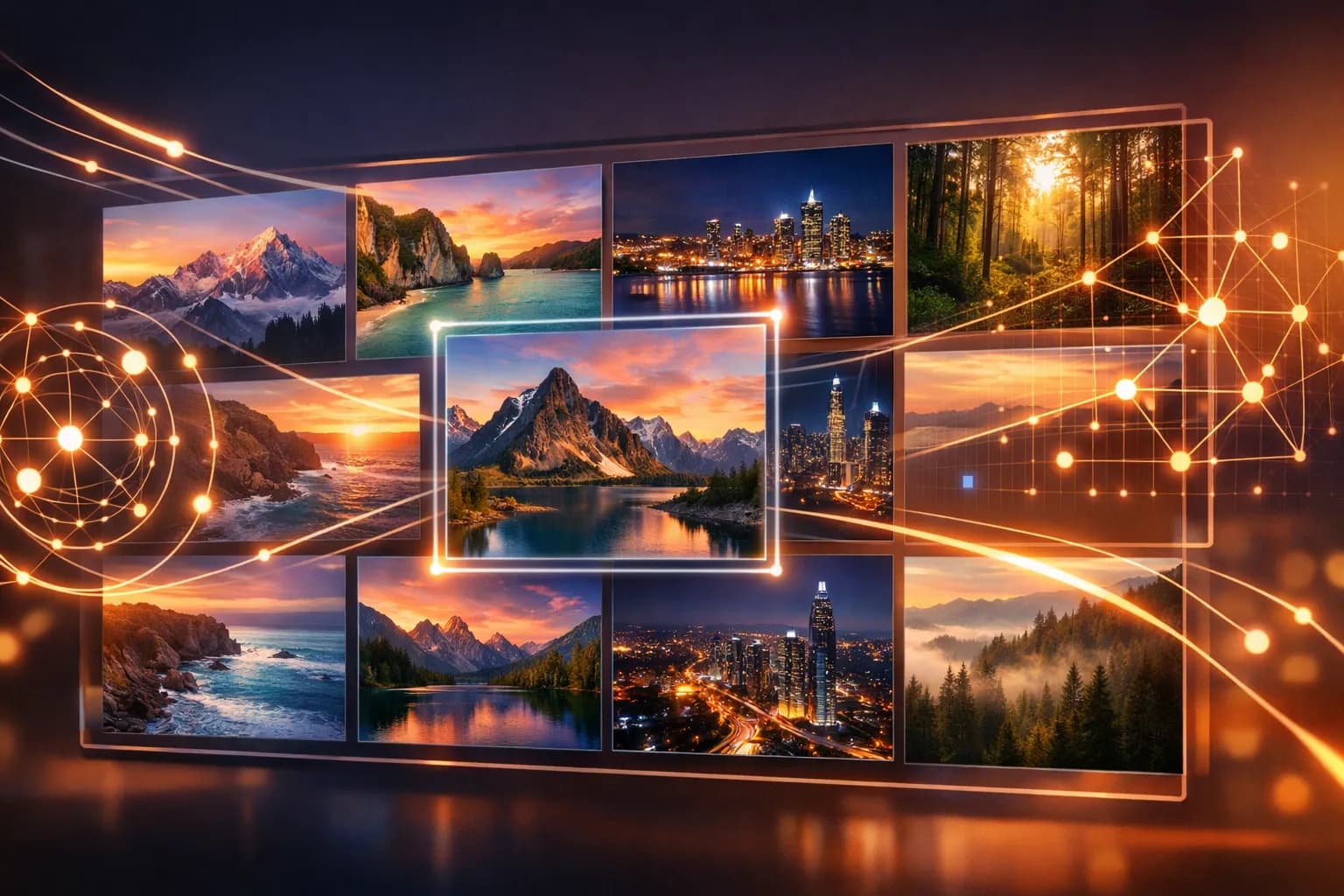
Every time you open a new tab in Dream Afar, you're greeted by a stunning wallpaper. But have you ever wondered how we select these images? Behind the scenes, Dream Afar uses smart curation to ensure every wallpaper is beautiful, high-quality, and perfectly suited for your new tab page.
The Challenge of Wallpaper Curation
Not every beautiful photo makes a good new tab wallpaper. The ideal wallpaper must:
- Look great at any resolution — from laptops to ultrawide monitors
- Not distract from widgets and text — clean areas for overlays
- Load quickly — performance matters for new tab pages
- Be appropriate for all audiences — no offensive content
- Remain fresh — new images to prevent boredom
Meeting all these criteria at scale is challenging. Here's how Dream Afar approaches it.
Our Multi-Source Strategy
Rather than relying on a single wallpaper source, Dream Afar aggregates images from multiple curated collections:
Unsplash Integration
Unsplash is home to millions of professional-quality photographs, all free to use. Dream Afar connects to Unsplash's API to access:
- Curated collections vetted by Unsplash's editorial team
- Category-specific images (nature, architecture, abstract, etc.)
- High-resolution downloads optimized for displays
Why Unsplash? The quality is consistently excellent, and their API provides metadata about image composition that helps us select wallpapers with good "text areas."
Google Earth View
Google Earth View offers a unique perspective — satellite imagery of Earth's most beautiful landscapes.
These images provide:
- Unique abstract patterns from aerial perspectives
- Global diversity — landscapes from every continent
- Consistent quality — all images are hand-selected by Google
Why Earth View? The aerial perspective creates natural, uncluttered images perfect for wallpapers.
Custom Uploads
For users who want complete control, Dream Afar supports custom photo uploads:
- Upload any image from your device
- Use personal photos
- Import wallpapers from other sources
Your uploaded images are stored locally and never sent to our servers.
Smart Selection Criteria
When pulling images from our sources, Dream Afar considers several factors:
1. Composition Analysis
Good wallpapers have areas where text and widgets can be placed without obscuring important details. We prefer images with:
- Clean negative space (sky, water, minimal texture)
- Subject matter that isn't centered
- Gradual color transitions
2. Color Distribution
We analyze color distribution to ensure:
- Sufficient contrast for white and dark text
- No extremely bright or flashy colors that strain eyes
- Harmonious color palettes
3. Resolution Requirements
All wallpapers must meet minimum resolution standards:
- Minimum: 1920x1080 (Full HD)
- Preferred: 2560x1440 (2K) or higher
- Supported: Up to 4K and ultrawide formats
Lower resolution images are filtered out to ensure crisp displays on all devices.
4. Content Appropriateness
We filter images to ensure they're appropriate for all users:
- No explicit content
- No violence or disturbing imagery
- No copyrighted logos or branded content
- Family-friendly by default
The User Experience
Wallpaper Collections
Rather than showing random images, Dream Afar organizes wallpapers into collections:
| Collection | Description |
|---|---|
| Nature | Landscapes, forests, mountains, wildlife |
| Ocean & Beach | Coastal scenes, underwater, waves |
| Space & Astronomy | Stars, planets, nebulae, night sky |
| Architecture | Buildings, cities, interior design |
| Abstract | Patterns, textures, minimalist art |
| Earth View | Satellite imagery from Google Earth |
You can select which collections appear in your rotation or focus on a single theme.
Refresh Options
Control how often your wallpaper changes:
- Every new tab — Fresh image each time
- Hourly — New wallpaper every hour
- Daily — One wallpaper per day
- Manual — Change only when you want
Favorites System
Found a wallpaper you love? Add it to your favorites:
- Heart any wallpaper to save it
- Favorites appear more frequently
- Never lose a wallpaper you like
- Build a personal collection over time
Wallpaper Details
Click on any wallpaper to see:
- Photographer credit (with Unsplash link)
- Location information (if available)
- Collection membership
- Save to favorites
Performance Optimization
Beautiful wallpapers shouldn't slow down your browser. Dream Afar optimizes performance through:
Lazy Loading
Wallpapers load asynchronously, so your new tab appears instantly while the image loads in the background.
Responsive Images
We serve appropriately sized images based on your screen resolution — no downloading 4K images for a 1080p display.
Caching
Recently viewed wallpapers are cached locally, reducing network requests and enabling offline access.
Preloading
The next wallpaper in rotation is preloaded in the background, ensuring instant display when you switch.
What's Next
We're continuously improving our wallpaper curation. Here's what's on the roadmap:
Personalized Recommendations
Learning from your favorites and viewing patterns to suggest wallpapers you'll love.
Time-Based Curation
Showing different imagery based on time of day:
- Bright, energizing images in the morning
- Calm, focused imagery during work hours
- Relaxing scenes in the evening
Seasonal Collections
Curated collections for seasons, holidays, and special events.
More Sources
Integrating additional high-quality wallpaper sources while maintaining our quality standards.
Behind the Scenes: Our Philosophy
Dream Afar's approach to wallpaper curation reflects our broader design philosophy:
- Quality over quantity — Fewer, better-curated images beat unlimited mediocre ones
- Performance matters — Beautiful should never mean slow
- Respect user choice — Customization options for every preference
- Credit creators — Attribution for photographers and artists
Try It Yourself
The best way to experience Dream Afar's wallpaper curation is to try it:
- Install Dream Afar
- Open a new tab
- Explore different collections
- Find your favorites
- Enjoy a beautiful new tab experience
Every wallpaper you see has been selected to brighten your day and inspire your work.
Ready for stunning wallpapers? Install Dream Afar free →
Try Dream Afar Today
Transform your new tab into a beautiful, productive dashboard with stunning wallpapers and customizable widgets.