Beautiful Browser: How Aesthetics Boost Productivity (2025 Guide)
Discover how browser aesthetics impact productivity. Learn to design your perfect workspace with wallpapers, colors, and visual elements that enhance focus and motivation.
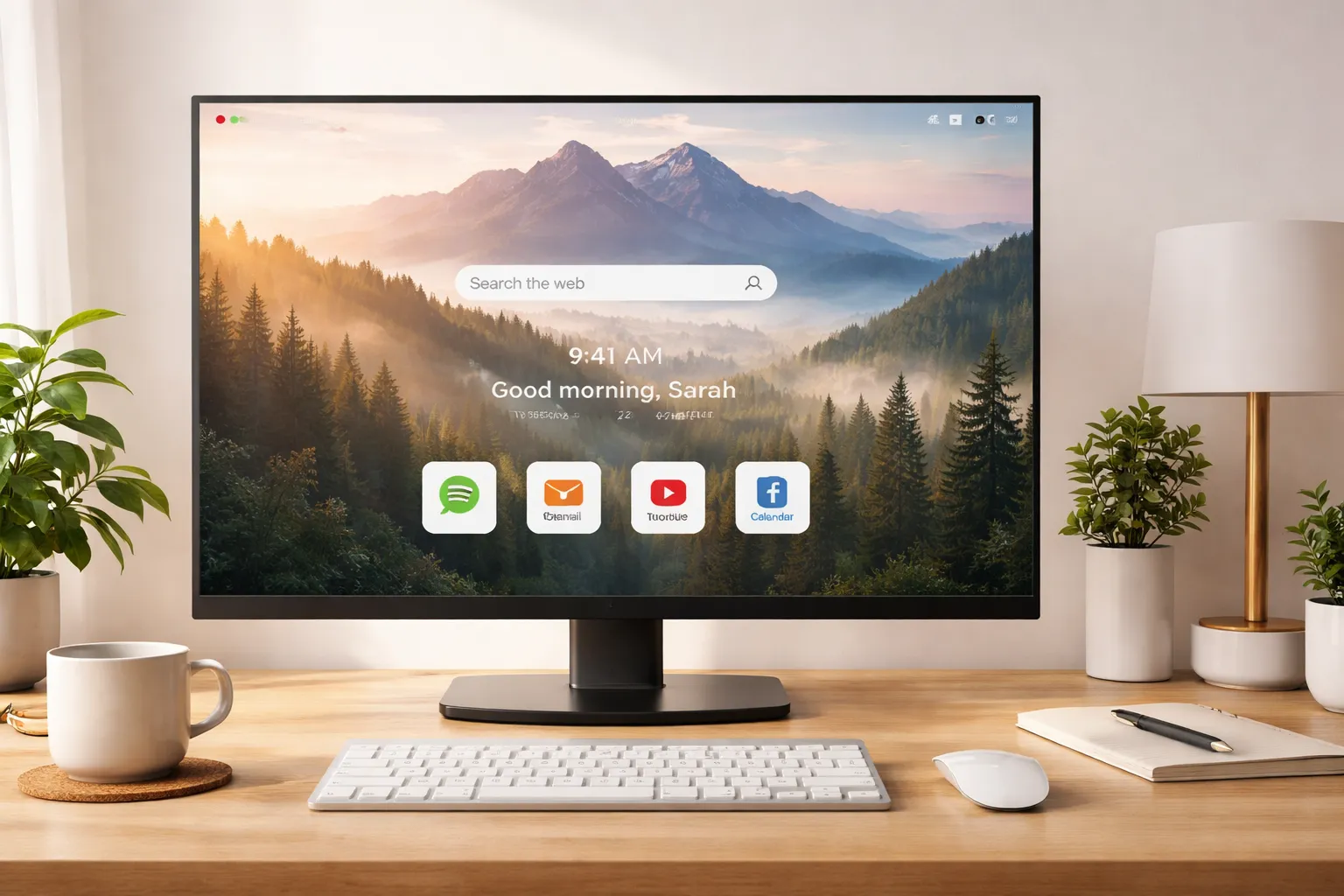
Your browser is more than a tool — it's your digital workspace. The visual environment you create affects your mood, focus, and productivity more than you might realize. This comprehensive guide explores the science of browser aesthetics and shows you how to design a workspace that actually helps you work better.
Table of Contents
- The Science of Visual Environments
- How Aesthetics Affect Productivity
- Key Elements of Browser Aesthetics
- Wallpapers: Your Foundation
- Color Psychology in Your Browser
- Finding Your Style
- Seasonal and Dynamic Changes
- Building Your Perfect Setup
- Tools and Resources
The Science of Visual Environments
Environmental Psychology 101
Research in environmental psychology consistently shows that visual surroundings impact cognitive performance. This isn't just about preference — it's measurable.
Key findings:
| Study Focus | Finding |
|---|---|
| Nature views | 15% improvement in attention restoration |
| Color temperature | Affects alertness and relaxation |
| Visual clutter | Reduces working memory capacity |
| Aesthetic pleasure | Increases task persistence |
The Digital Workspace Effect
We spend 6+ hours daily in browser environments. That's more time than in any physical room except our bedrooms. Yet most people never consider optimizing this space.
Consider this:
- Every new tab is a visual experience
- You see your browser background hundreds of times daily
- That repeated exposure shapes your mental state
- Small visual improvements compound over time
Why Default Browsers Fail
Default browser new tabs are designed for engagement, not productivity:
- News feeds — Trigger anxiety and distraction
- "Most visited" sites — Pull you toward habits, not intentions
- Cluttered layouts — Overwhelm working memory
- Generic design — No personal meaning or inspiration
A beautiful, intentional browser environment reverses all of this.
How Aesthetics Affect Productivity
The Attention Restoration Theory
Developed by psychologists Rachel and Stephen Kaplan, Attention Restoration Theory explains why nature imagery improves focus:
The four components:
- Being away — Mentally escaping from routine
- Extent — Sensing a larger world beyond immediate concerns
- Fascination — Effortless attention capture
- Compatibility — Alignment with current intentions
Beautiful wallpapers, especially nature scenes, provide all four components in seconds.
The Mood-Productivity Connection
Your emotional state directly impacts cognitive performance:
| Mood State | Effect on Work |
|---|---|
| Positive | Better creative problem-solving |
| Calm | Improved sustained attention |
| Anxious | Reduced working memory |
| Bored | Decreased motivation |
Aesthetic environments reliably induce positive, calm states.
The Intention Trigger
A beautiful new tab creates a micro-pause — a moment of aesthetic appreciation that:
- Interrupts autopilot browsing
- Reminds you of your purpose
- Reduces impulsive behavior
- Creates space for intention
This is why Dream Afar users report feeling "more intentional" about their browsing.
Measurable Benefits
Users who optimize browser aesthetics report:
- 23% less time on unintended sites
- Higher satisfaction with work sessions
- Better mood throughout the day
- Increased sense of control over digital life
Key Elements of Browser Aesthetics
1. Background/Wallpaper
The foundation of your visual environment. Options include:
Nature photography:
- Mountains, forests, oceans
- Proven attention restoration
- Universal appeal
Satellite imagery:
- Google Earth View perspectives
- Awe-inspiring scale
- Unique viewpoints
Art and abstract:
- Famous paintings
- Geometric patterns
- Personal expression
Minimalist/solid colors:
- Maximum focus
- Zero distraction
- Clean and calming
→ Learn more: AI Wallpaper Curation Explained
2. Color Palette
Colors affect psychology in documented ways:
| Color | Psychological Effect |
|---|---|
| Blue | Calm, focus, productivity |
| Green | Balance, restoration, creativity |
| Warm neutrals | Comfort, grounding |
| White/light | Clarity, openness |
| Dark/black | Focus, reduced eye strain |
→ Deep dive: Color Psychology in Workspace Design
3. Visual Complexity
The right level of visual information:
Too simple:
- Boring, uninspiring
- No attention restoration
- Feels sterile
Too complex:
- Overwhelming, distracting
- Reduces focus
- Cognitive overload
Just right:
- Engaging without demanding
- Interesting details reward attention
- Supports rather than competes with work
4. Personal Meaning
Aesthetics work better when personally meaningful:
- Photos from places you've been
- Art that resonates with you
- Colors that feel "right"
- Images aligned with your goals
5. Change and Novelty
Static environments become invisible. Strategic variety maintains impact:
- Daily wallpaper rotation
- Seasonal theme changes
- Mood-based collections
- Fresh discovery moments
→ Explore: Seasonal Wallpaper Rotation Ideas
Wallpapers: Your Foundation
Why Wallpapers Matter Most
Your wallpaper is the largest visual element in your browser. It sets the tone for everything else.
A great wallpaper:
- Provides instant mood shift
- Creates sense of space and possibility
- Offers aesthetic pleasure without demanding attention
- Refreshes with each new tab
Best Wallpaper Sources
| Source | Best For | Access |
|---|---|---|
| Unsplash | Professional photography | Free via Dream Afar |
| Google Earth View | Satellite imagery | Free via Dream Afar |
| Personal photos | Meaningful memories | Upload to Dream Afar |
| Art collections | Cultural appreciation | Various sources |
→ Complete guide: Best Wallpaper Sources for Your Desktop
Choosing the Right Wallpaper
For focus work:
- Calming nature scenes
- Low visual complexity
- Muted color palettes
- No people or text
For creative work:
- Inspiring imagery
- Bold colors acceptable
- Abstract or artistic
- Personally meaningful
For relaxation:
- Warm, comfortable scenes
- Sunset/golden hour lighting
- Familiar places
- Soft edges and colors
Wallpaper Rotation Strategies
Daily rotation:
- Fresh experience each day
- Prevents habituation
- Maintains novelty benefit
Collection-based:
- Themed sets for different moods
- Seasonal collections
- Work vs. personal
Time-based:
- Morning: energizing imagery
- Afternoon: focus-supporting
- Evening: calming scenes
Color Psychology in Your Browser
Understanding Color Effects
Colors influence psychology through both cultural associations and biological responses.
Color Guide for Productivity
Blues:
- Lowers heart rate
- Promotes calm focus
- Best for analytical work
- Most universally productive
Greens:
- Balancing and restorative
- Reduces eye strain
- Good for extended sessions
- Nature association benefits
Warm colors (orange, yellow):
- Energizing and stimulating
- Good for creative tasks
- Can increase anxiety if overused
- Best in small doses
Neutrals:
- Non-distracting
- Professional feeling
- Timeless appeal
- Flexible foundation
→ Full article: Color Psychology in Workspace Design
Practical Application
Light mode vs. dark mode:
| Mode | Best For |
|---|---|
| Light | Daytime, bright environments, reading |
| Dark | Night, low light, reduced eye strain |
Dream Afar approach:
- Brightness-aware text colors
- Adapts to wallpaper automatically
- Glassmorphism that works with any background
Finding Your Style
Minimalist vs. Maximalist
Two valid approaches to browser aesthetics:
Minimalist:
- Clean, uncluttered
- Few or no widgets
- Solid colors or simple imagery
- Maximum focus, minimum distraction
Maximalist:
- Rich, detailed imagery
- Multiple widgets visible
- Dynamic, changing elements
- Stimulating and inspiring
→ Explore both: Minimalist vs Maximal Style Guide
Finding What Works for You
Consider:
- Your work type (analytical vs. creative)
- Your personality (introverted vs. extroverted)
- Your environment (quiet vs. busy)
- Your goals (focus vs. inspiration)
Experiment:
- Try minimalist for one week
- Try maximalist for one week
- Note how each affects your work
- Adjust based on results
Style Profiles
The Focused Professional:
- Minimal widgets
- Nature wallpapers
- Cool color palette
- Consistent, stable environment
The Creative Explorer:
- Rotating art collections
- Bold colors acceptable
- Some inspiring quotes
- Variety and novelty
The Productivity Optimizer:
- Clock and todo visible
- Timer integration
- Functional aesthetics
- Balance of beauty and utility
The Digital Minimalist:
- Solid color or simple gradient
- Time only
- Maximum whitespace
- Pure focus environment
Seasonal and Dynamic Changes
Why Seasons Matter
Our psychological needs change with seasons:
Winter:
- Need for warmth and coziness
- Light compensation (SAD)
- Comfort imagery
Spring:
- Renewal and energy
- Fresh, bright imagery
- Growth themes
Summer:
- Vibrant and active
- Outdoor scenes
- Adventure imagery
Fall:
- Transition and reflection
- Warm, cozy tones
- Harvest themes
→ Complete guide: Seasonal Wallpaper Rotation Ideas
Implementing Dynamic Changes
Manual rotation:
- Change collections seasonally
- Update on meaningful dates
- Refresh when feeling stale
Automatic rotation:
- Daily wallpaper changes
- Time-based collections
- Weather-responsive (future)
Beyond Seasons
Other reasons to change your aesthetic:
- Project phases — Different work modes
- Life events — Celebrating or processing
- Energy needs — Low vs. high energy days
- Mood regulation — Intentional atmosphere
Building Your Perfect Setup
Step 1: Choose Your Foundation
Select your primary wallpaper source:
- Dream Afar defaults — Curated, beautiful, rotating
- Specific collection — Nature, Earth View, Art
- Personal photos — Meaningful, unique
- Solid color — Maximum minimalism
Step 2: Select Your Widgets
Choose based on actual needs (not "might use"):
Essential for most:
- Time display
Add if you use them:
- Weather (daily planning)
- Todos (task management)
- Timer (focus sessions)
- Notes (quick capture)
Consider removing:
- Anything you haven't used in a week
- Widgets that distract more than help
Step 3: Configure Colors
- Enable auto-brightness detection (Dream Afar does this)
- Choose widget transparency level
- Select accent colors if available
Step 4: Set Rotation Schedule
- Daily for novelty seekers
- Weekly for consistency lovers
- Manual for control preferrers
Step 5: Test and Iterate
- Use for one week
- Note what works and doesn't
- Adjust based on experience
- Revisit quarterly
Tools and Resources
Dream Afar Features for Aesthetics
Dream Afar was designed with aesthetics as a core principle:
Wallpaper system:
- Unsplash integration (millions of photos)
- Google Earth View satellite imagery
- Custom photo uploads
- Multiple collections
- Favorites system
Visual design:
- Glassmorphism UI
- Auto-brightness text adjustment
- Transparent, non-intrusive widgets
- Clean, modern aesthetic
Customization:
- Widget positioning
- Show/hide any element
- Multiple pages possible
- Personal configuration
Other Resources
Wallpaper sources:
- Unsplash.com (free)
- Google Earth View (free)
- Pexels.com (free)
- Your own photography
Color tools:
- Coolors.co (palette generator)
- Adobe Color (color wheel)
- Color psychology resources
Design inspiration:
- Dribbble (UI design)
- Pinterest (aesthetics)
- r/unixporn (desktop setups)
The Beautiful Browser Philosophy
It's Not Just About Looking Nice
Beautiful browser aesthetics serve a purpose:
- Mood regulation — Start each tab in a good state
- Attention restoration — Brief mental refreshment
- Intention setting — Pause before action
- Personal expression — Your space, your way
The Compound Effect
Small aesthetic improvements compound:
- Each beautiful tab = tiny mood boost
- Hundreds of tabs daily = significant impact
- Over weeks and months = measurable difference
- In productivity, satisfaction, and wellbeing
Getting Started
You don't need to optimize everything at once. Start here:
- Install Dream Afar — Instant aesthetic upgrade
- Choose one collection — That resonates with you
- Remove unnecessary widgets — Start minimal
- Use for a week — Notice the difference
- Adjust as needed — Find your perfect setup
Related Articles
- AI Wallpaper Curation Explained
- Best Wallpaper Sources for Your Desktop
- Color Psychology in Workspace Design
- Minimalist vs Maximal: Browser Style Guide
- Seasonal Wallpaper Rotation Ideas
Ready to beautify your browser? Install Dream Afar free →
Try Dream Afar Today
Transform your new tab into a beautiful, productive dashboard with stunning wallpapers and customizable widgets.