Best Free New Tab Extensions for Chrome in 2025: Top 10 Picks
Discover the best free new tab extensions for Chrome in 2025. Compare features, privacy, and customization options to find your perfect new tab page replacement.
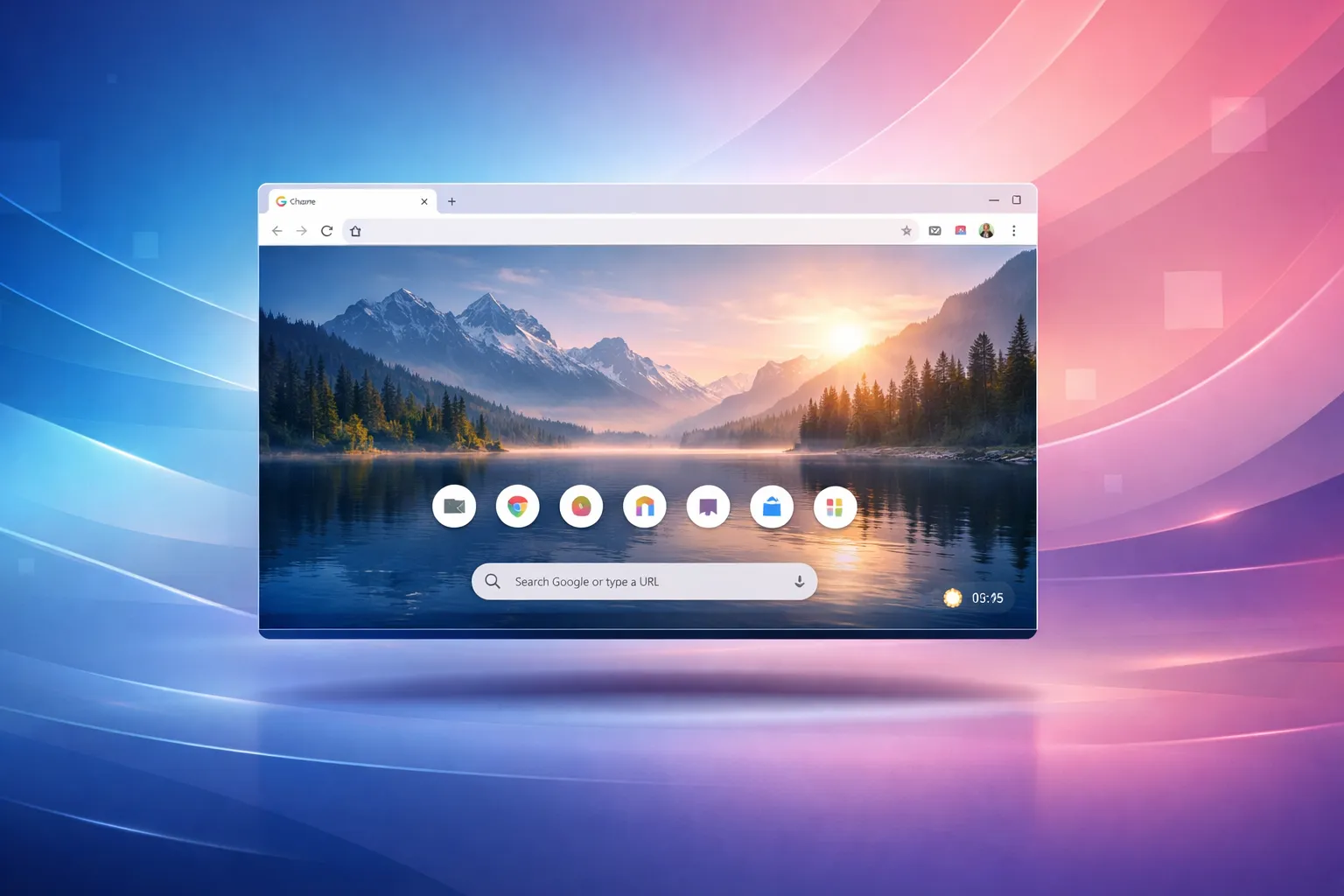
Your browser's new tab page is prime real estate. You see it dozens of times a day, so why settle for Chrome's default? The right new tab extension can boost your productivity, inspire creativity, or simply make your browsing experience more enjoyable.
We've tested dozens of new tab extensions to bring you the 10 best free options for 2025.
What We Looked For
Our evaluation criteria included:
- Free features — What can you actually use without paying?
- Privacy — How is your data handled?
- Performance — Does it slow down your browser?
- Customization — Can you make it your own?
- Design — Is it visually appealing?
Let's dive in.
1. Dream Afar — Best Overall Free Option
Best for: Privacy-conscious users who want beautiful wallpapers and productivity tools
Dream Afar stands out as the most generous free new tab extension available. Unlike competitors that lock features behind paywalls, Dream Afar offers everything for free.
Highlights:
- Stunning wallpapers from Unsplash and Google Earth View
- Full productivity suite (todos, notes, timer, weather)
- 100% local data storage — no account required
- Custom photo uploads
- Focus mode with site blocking
Pros:
- Completely free, no premium tier
- Privacy-first design
- Fast performance
- Beautiful wallpaper selection
Cons:
- No third-party integrations
- Chrome/Chromium only
Rating: 9.5/10
2. Momentum — Best for Motivational Focus
Best for: Users who want daily motivational quotes and a clean, minimal design
Momentum pioneered the beautiful new tab category and remains popular for its focus on motivation and simplicity.
Highlights:
- Daily motivational quote
- Clean, minimal design
- Focus mode (premium)
- Todo list integration
Pros:
- Established, reliable
- Cross-browser support
- Third-party integrations (premium)
Cons:
- Many features locked behind $5/month paywall
- Requires account creation
- Cloud-based data storage
Rating: 7.5/10
3. Tabliss — Best Open Source Option
Best for: Users who value open-source software and simplicity
Tabliss is a completely open-source new tab extension with a focus on simplicity and customization.
Highlights:
- Open source (GitHub)
- Multiple wallpaper sources
- Customizable widgets
- No account required
Pros:
- Fully open source
- Lightweight
- Good privacy
Cons:
- Less polished UI
- Fewer wallpaper options
- Limited productivity features
Rating: 7/10
4. Infinity New Tab — Best for Power Users
Best for: Users who want extensive customization and app shortcuts
Infinity offers a highly customizable grid-based new tab with app shortcuts and widgets.
Highlights:
- Grid-based layout
- App/website shortcuts
- Weather and search widgets
- Cloud sync available
Pros:
- Highly customizable
- Good shortcut management
- Multiple themes
Cons:
- Can feel cluttered
- Account required for sync
- Some features premium
Rating: 7/10
5. Start.me — Best for Bookmark Organization
Best for: Users who need to organize many bookmarks and links
Start.me focuses on organizing bookmarks, feeds, and widgets in a customizable dashboard.
Highlights:
- Bookmark organization
- RSS feed integration
- Widgets for weather, notes, etc.
- Team sharing options
Pros:
- Excellent bookmark management
- RSS support
- Shareable pages
Cons:
- Less visually appealing
- Account required
- Premium tier for advanced features
Rating: 6.5/10
6. Bonjourr — Best Minimalist Option
Best for: Users who want an ultra-clean, distraction-free new tab
Bonjourr takes minimalism to the extreme with a focus on simplicity and speed.
Highlights:
- Ultra-minimal design
- Dynamic backgrounds
- Customizable greeting
- Quick links
Pros:
- Very lightweight
- Clean aesthetic
- Open source
- No account required
Cons:
- Limited features
- Fewer wallpaper options
- Basic widgets only
Rating: 7/10
7. Homey — Best for Aesthetics
Best for: Users who prioritize visual design over features
Homey offers a beautifully designed new tab with curated backgrounds and a clean interface.
Highlights:
- Curated wallpapers
- Aesthetic design
- Clock and greeting
- Todo list
Pros:
- Beautiful design
- Curated content
- Simple to use
Cons:
- Limited customization
- Fewer features
- Some premium content
Rating: 6.5/10
8. Toby — Best for Tab Management
Best for: Users who struggle with too many open tabs
Toby isn't a traditional new tab replacement — it's a tab manager that helps you organize and save tab sessions.
Highlights:
- Save tab sessions
- Organize tabs into collections
- Quick access to saved tabs
- Team collaboration
Pros:
- Unique tab management approach
- Good for researchers
- Team features
Cons:
- Different use case
- Less visual appeal
- Account required for sync
Rating: 7/10
9. Daily — Best for News Readers
Best for: Developers and tech enthusiasts who want daily news
Daily aggregates news from tech sources, making it ideal for developers who want to stay informed.
Highlights:
- Tech news aggregation
- Customizable sources
- Clean feed layout
- Bookmarking
Pros:
- Great for tech news
- Customizable sources
- Good for developers
Cons:
- Niche use case
- Account required
- Not for everyone
Rating: 6.5/10
10. Humble New Tab — Best Ultra-Lightweight
Best for: Users who want the fastest possible new tab
Humble New Tab is exactly what it sounds like — a humble, fast, no-frills new tab page.
Highlights:
- Extremely lightweight
- Quick links only
- Minimal design
- Fast loading
Pros:
- Fastest option
- No bloat
- Simple
Cons:
- Very basic
- No wallpapers
- Limited features
Rating: 6/10
Comparison Table
| Extension | Price | Account Required | Wallpapers | Todos | Privacy |
|---|---|---|---|---|---|
| Dream Afar | Free | No | Excellent | Yes | Excellent |
| Momentum | Freemium | Yes | Good | Limited | Medium |
| Tabliss | Free | No | Good | No | Excellent |
| Infinity | Freemium | Optional | Good | Yes | Medium |
| Start.me | Freemium | Yes | Basic | Yes | Medium |
| Bonjourr | Free | No | Good | Basic | Excellent |
| Homey | Freemium | No | Curated | Yes | Good |
| Toby | Freemium | Optional | No | No | Medium |
| Daily | Free | Yes | No | No | Medium |
| Humble | Free | No | No | No | Excellent |
Our Top Recommendations
Best Overall: Dream Afar
For most users, Dream Afar offers the best combination of features, privacy, and value. Everything is free, no account is required, and the wallpaper selection is outstanding.
Best for Minimalists: Bonjourr
If you want a clean, fast, no-frills experience, Bonjourr delivers without compromise.
Best for Power Users: Infinity New Tab
If you need extensive customization and don't mind a learning curve, Infinity offers the most flexibility.
Best for Developers: Daily
Tech-focused users will appreciate Daily's news aggregation from developer-focused sources.
Final Thoughts
The best new tab extension depends on your priorities. If privacy and free features matter most, Dream Afar is hard to beat. If you need specific integrations or cross-browser support, Momentum might be worth the premium.
Whatever you choose, replacing Chrome's default new tab page is one of the easiest ways to improve your daily browsing experience.
Ready to upgrade your new tab? Try Dream Afar free →
Try Dream Afar Today
Transform your new tab into a beautiful, productive dashboard with stunning wallpapers and customizable widgets.